Duo and Trio ship free

By the Konah Home team. We make this timer.
5 Reasons Why Your Desk Needs a Timer That Isn't Your Phone
The timer you start work with lives on the phone that stops you. This one sits on your desk: turn the collar, press once.
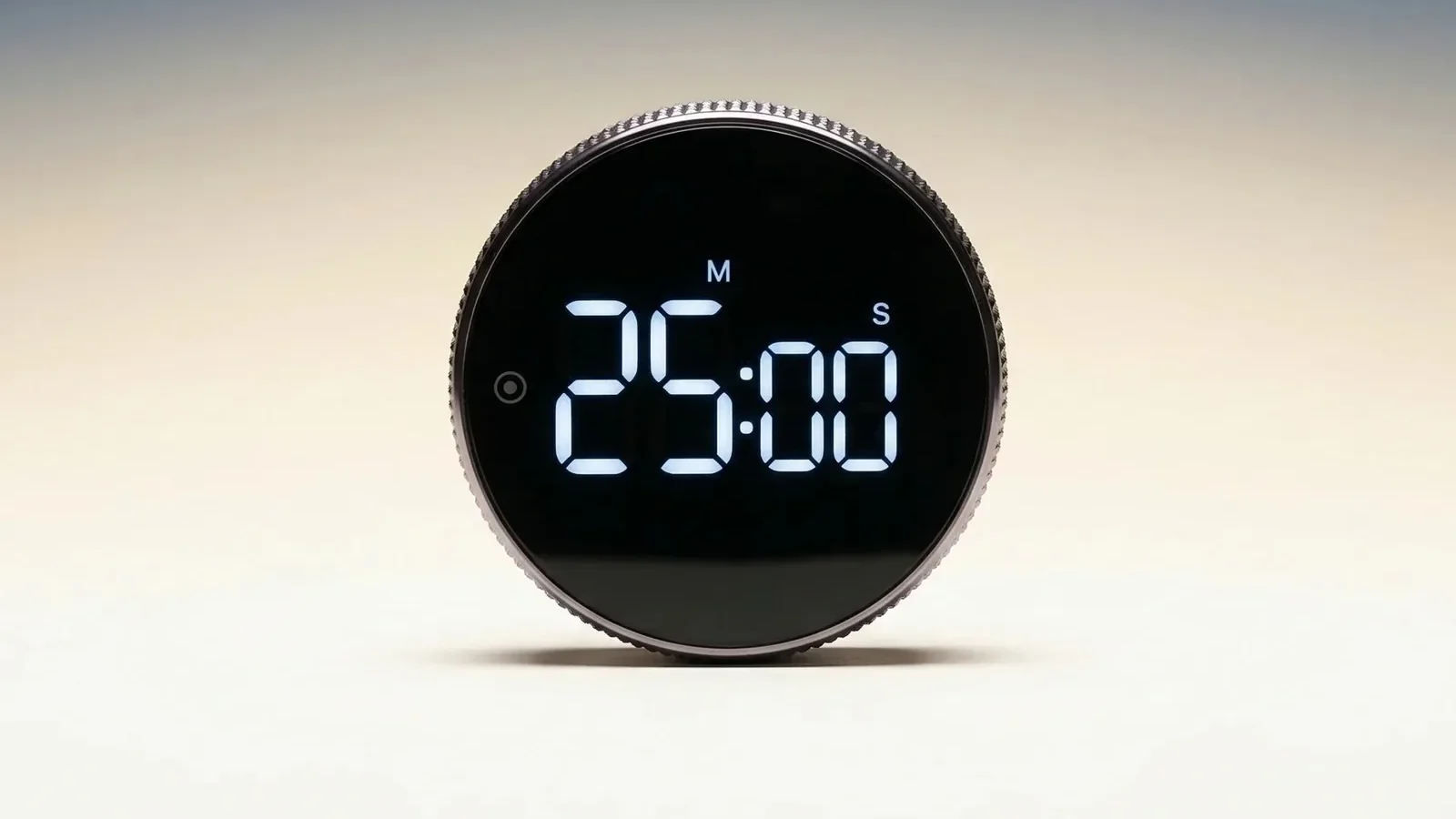
- 4.9 out of 526 reviews
- MagneticSticks to whiteboards
- AAA battery1,000+ sessions tested
- 7-9 daysBusiness days, US, CA, EU
1Reason 1 of 5
It Puts the Start Signal on Your Desk, Not in Your Phone
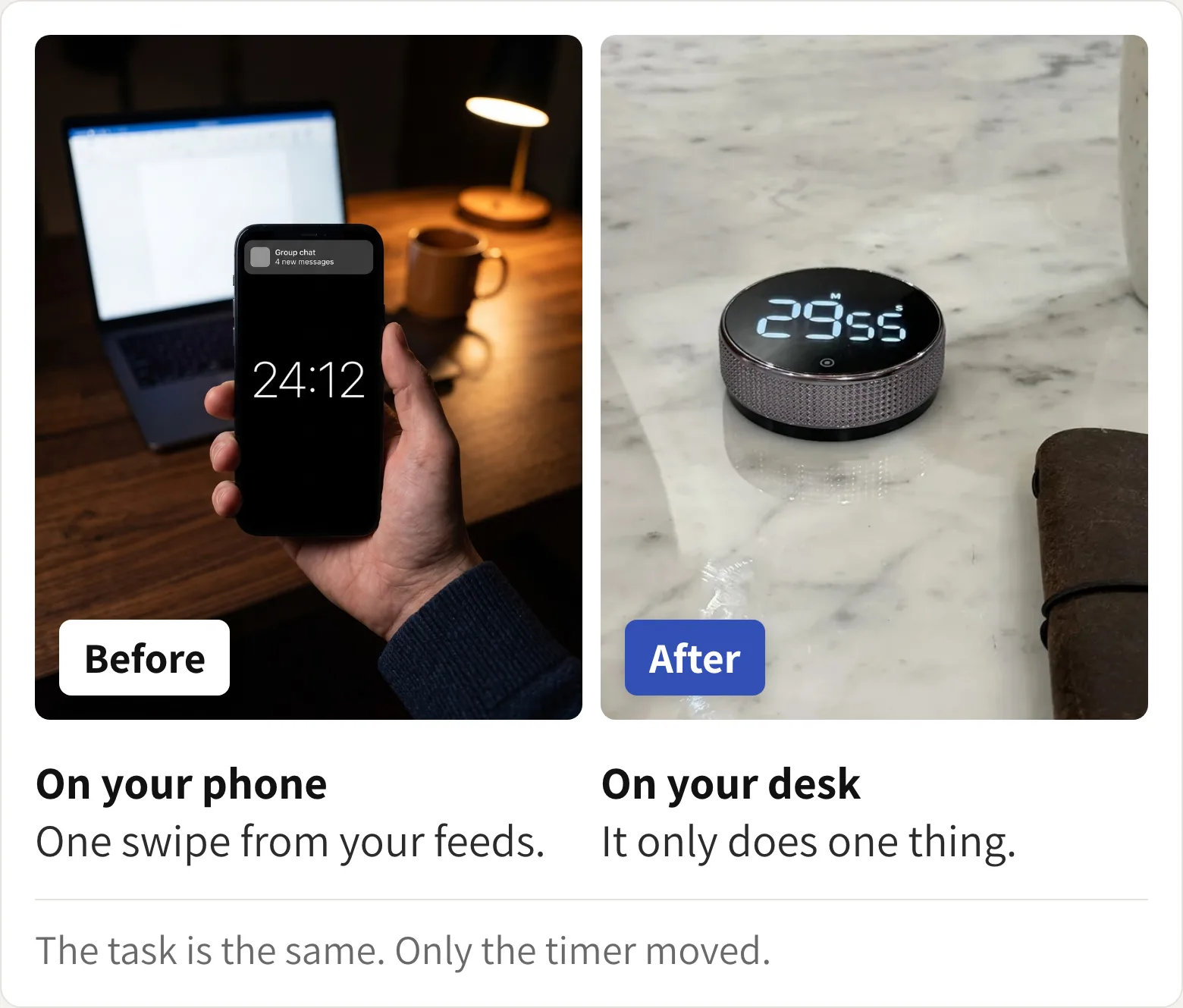
You know exactly what you need to do. You open the laptop, pick up your phone for one second, and forty minutes go.
That isn't laziness. Your timer, your to-do list and every feed you follow live on one screen. The thing meant to start the work is the thing that interrupts it.
This timer moves the start off the phone. Here's what that changes:
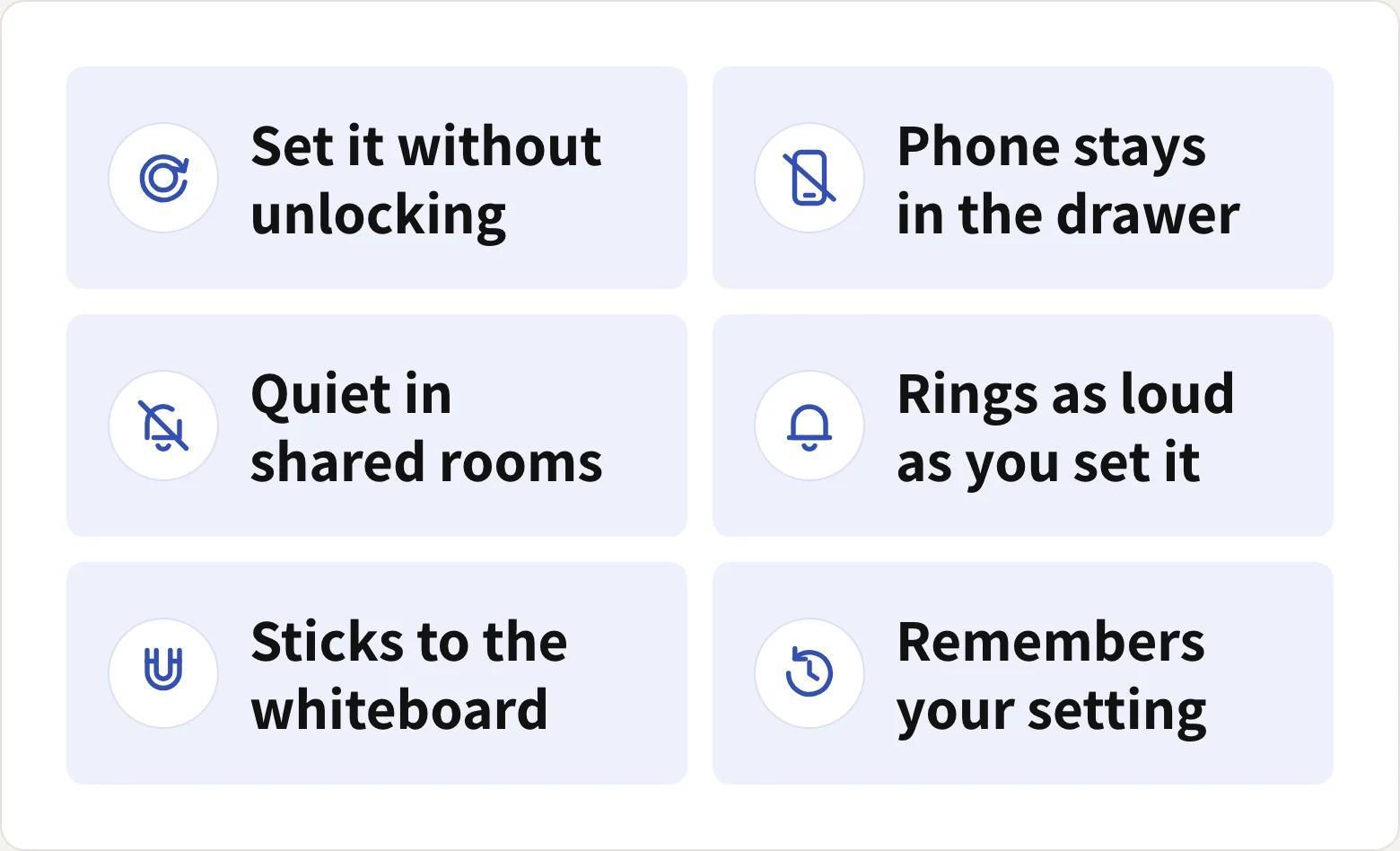
2Reason 2 of 5
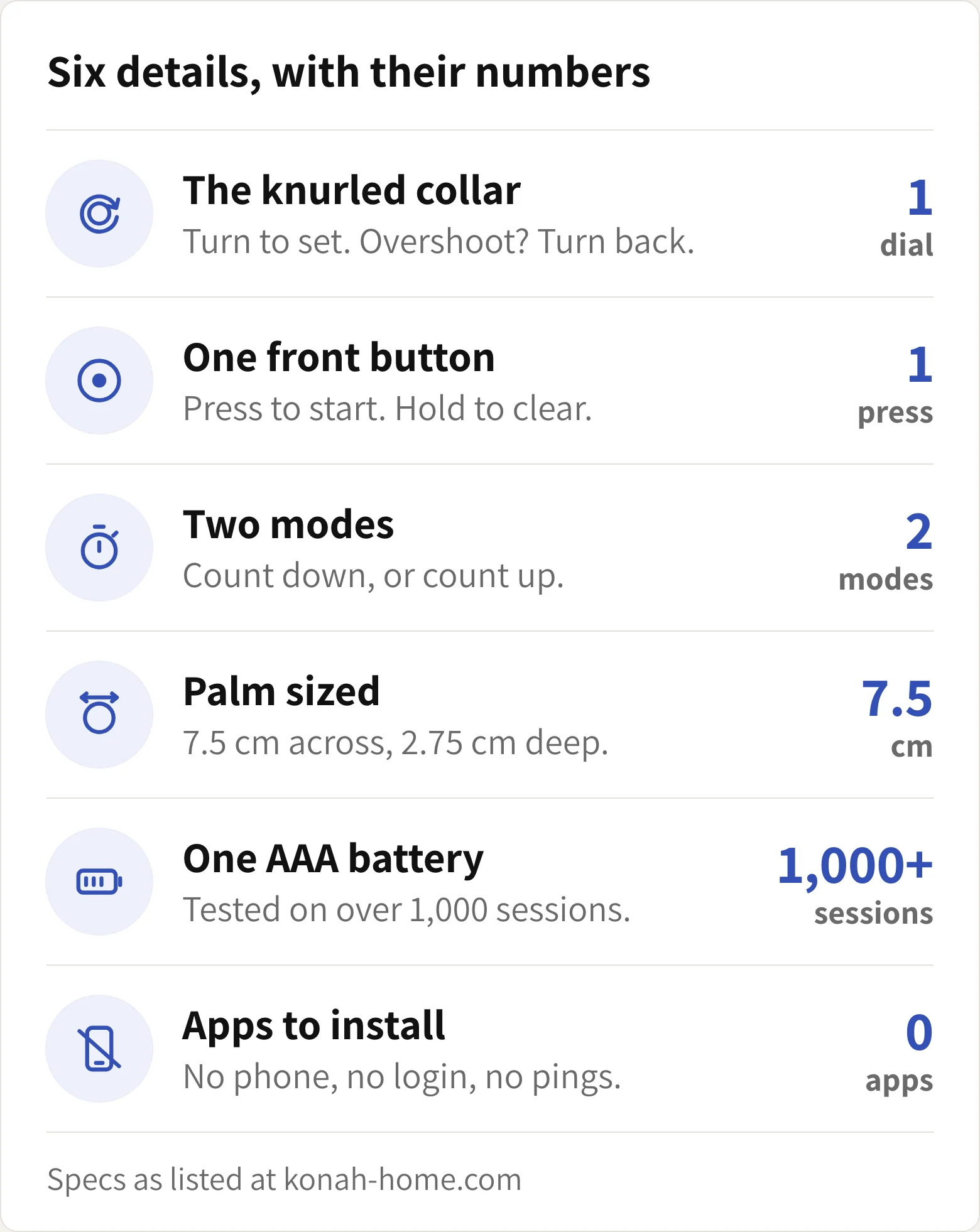
Six Details, Each One There to Shrink the Start
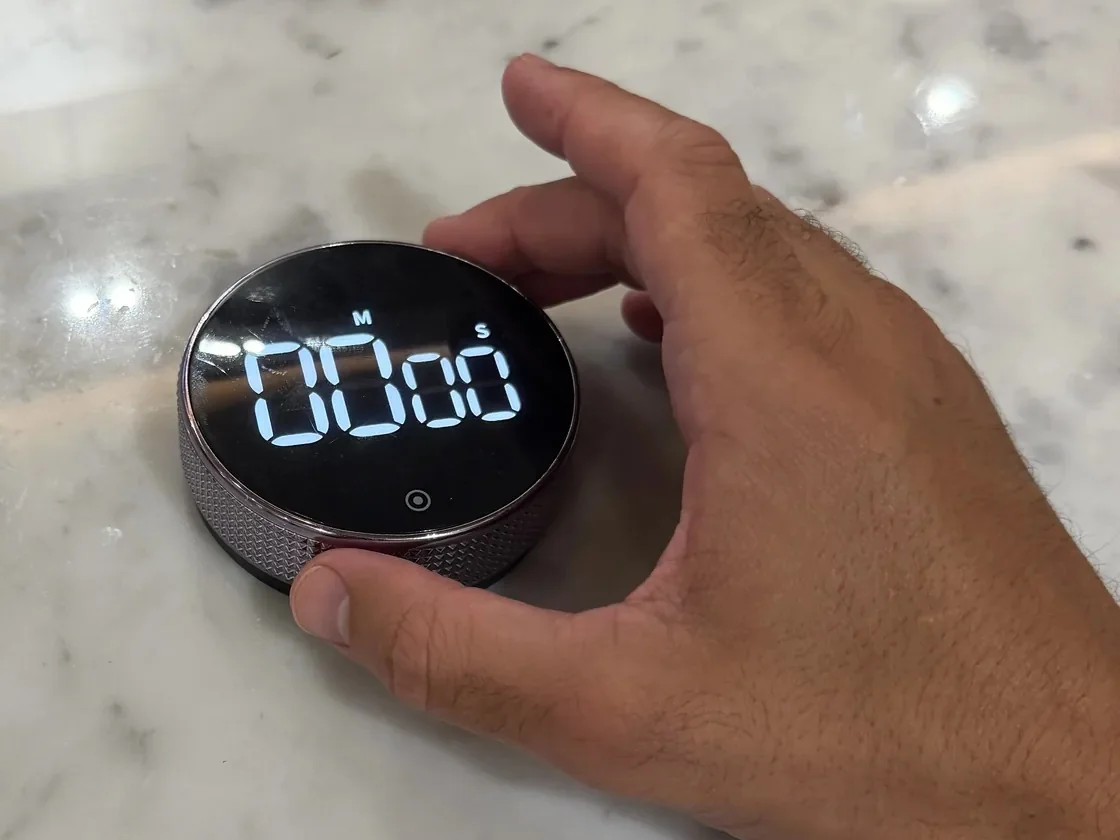
A phone timer asks you to unlock, find the app and get past whatever is waiting on the lock screen. This one asks for a turn of the collar and one press.
$44.99 today, usually $69.99
In buyers' own words
4.9 out of 5 from 26 reviews on konah-home.com
No fiddly buttons you need to hold down for ages, this one has a silver band that rotates around the display to set the desired time. The great thing is you can just dial it back if you accidentally go too far.
I really love the dial function as its a lot easier and quicker than pressing buttons. The black looks sleek and modern and thanks to the magnetic backing the timer can be easily attached to a white board.
Having used this timer for a few days now I've found it super easy to use and far better than the more traditional digital button type timer I've used in the past.
Use it literally all the time, and it is a pleasure to use. Love the simplicity and elegance of the design... this has really hit the spot and become integral to my everyday life.
I was a bit skeptical of the actual functionality but it's super intuitive to use. Would recommend..
I personally would rather pay a little bit more money to have this design and function.
Looks great on my desk. Not seen any other timers out there that bring that aesthetic feel, and really easy to use
Well worth the money, easy to use, clear time digits, and adequate volume of beeping when time is up. Would definitely recommend.
Good quality, accurate, easy to use and a magnet on the back of the timer has soft pads covering so it doesn't damage connecting.
3Reason 3 of 5
People Who Tried the Apps First Say It Works Better
We make this timer, so weigh this part with that in mind. The reviews that stay with us aren't about the display. They're from people who had already tried the apps.
Jonathon W. put it plainly: "I was using timer apps before this and this works so much better for timing my work blocks."
I love this. It's a quality product and looks great on my desk. I use it everyday and love having a physical timer instead of using apps
4Reason 4 of 5
There's No Setup, So You Start on the First Turn
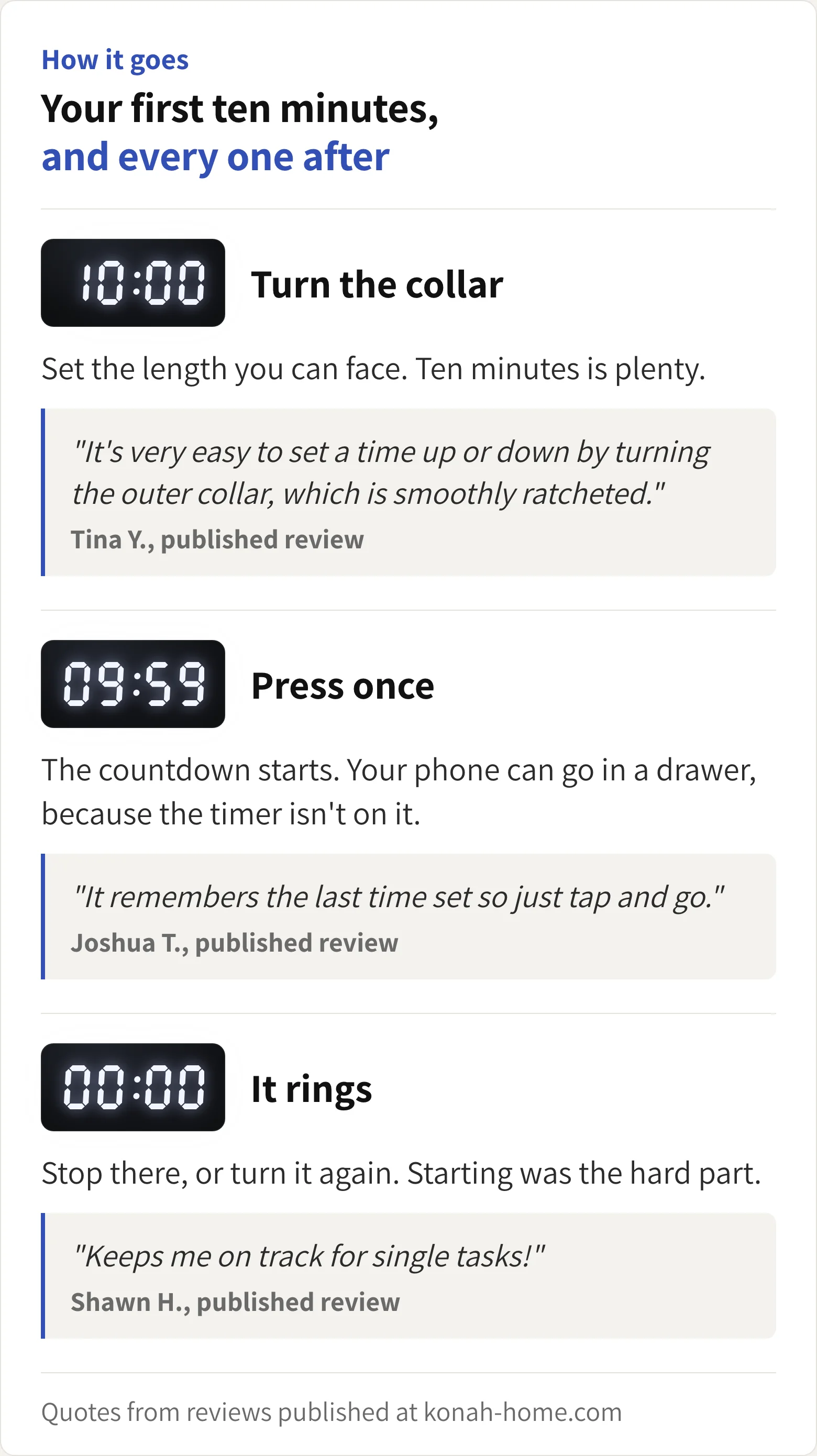
No app to download, no account, no settings menu. You turn the collar and press once.
The one mistake is setting it for an hour. An hour is the thing you've been putting off. Set ten minutes instead. Starting is the hard part, and the next ten minutes are only another turn away.
My procrastination got very bad and I would hate myself for it. This timer is genuinely the only thing that helps me stay focused and be accountable for the things I need to do.
Usually $69.99. Duo and Trio ship free.
5Reason 5 of 5
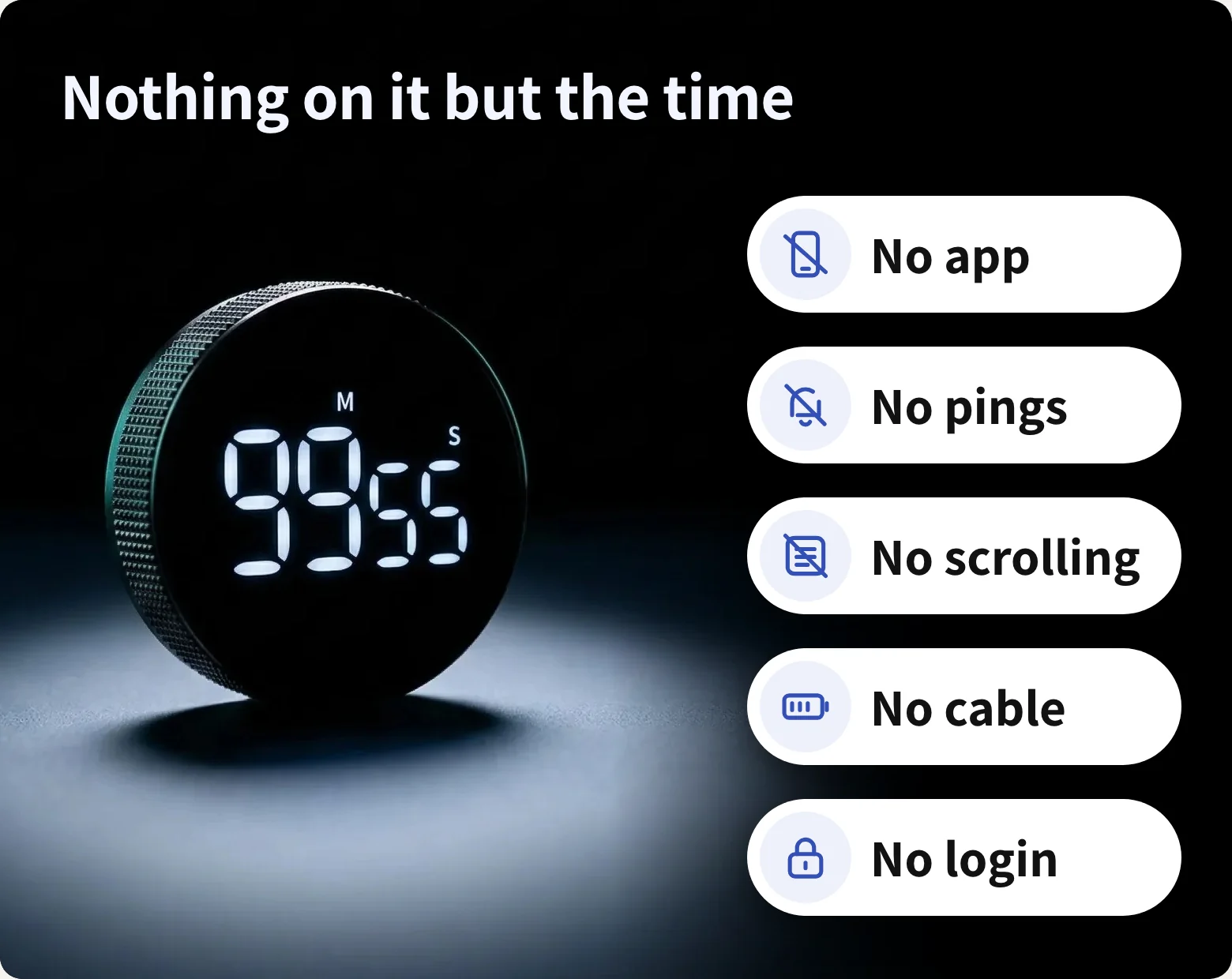
No App, No Pings, No Cable
Unlike a phone timer or a focus app, there's nothing on it that wants your attention back. No feed, no badges, no update to install.
It runs on an AAA battery, tested on over 1,000 sessions, and switches itself off when it isn't in use. A silent countdown mode keeps it quiet in shared rooms, and the alarm volume is yours to set.
Save 36% today
Today's price
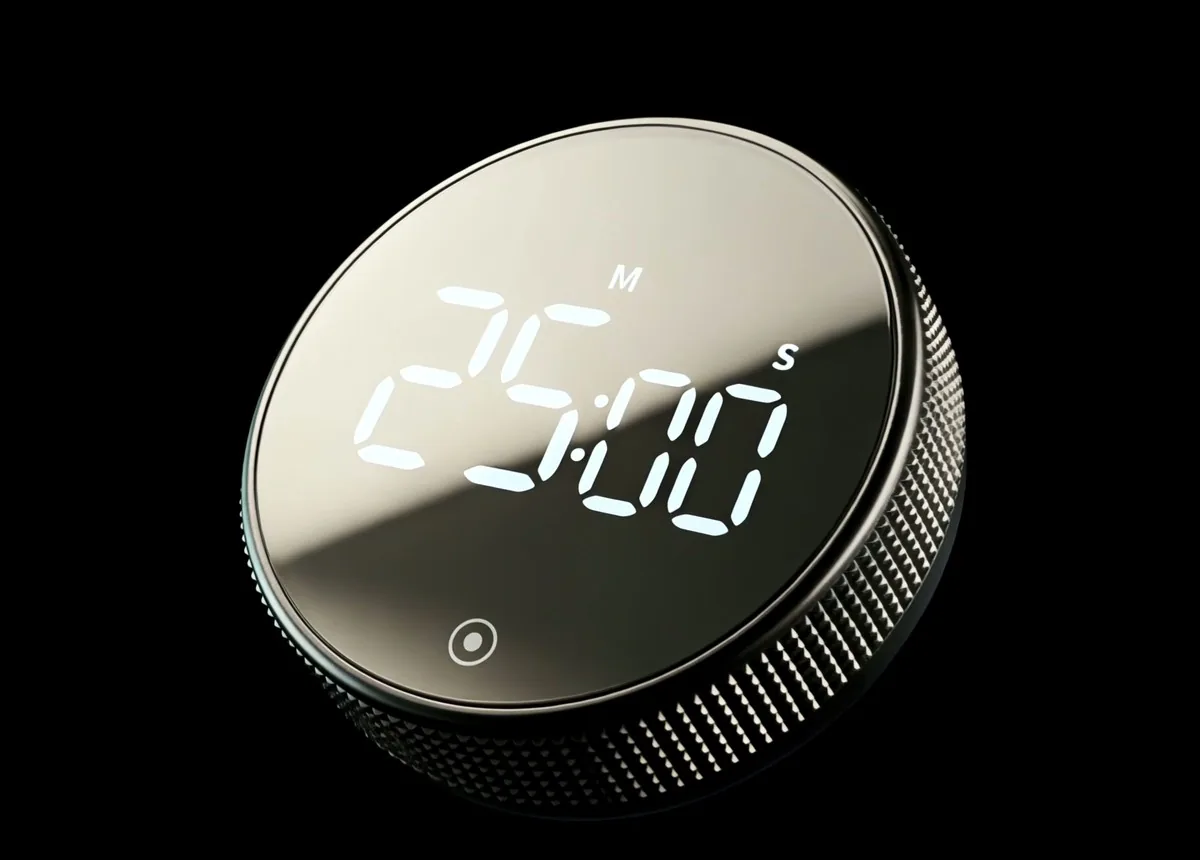
The Smart Productivity Timer
$44.99Was $69.99
- Turn the collar to set, press once to start
- Silent mode, or an alarm you can turn down
- Magnetic back, one AAA battery
Save 20% on two, 30% on three. Both ship free.
- Secure checkout
- Duo and Trio ship free
Konah Home makes this timer. It's a timer, not a treatment. Reviews quoted are published on konah-home.com.