Duo and Trio ship free

Five Ways To Start The Task You've Been Avoiding, Without Another App
Five small fixes, and every one happens off your phone.
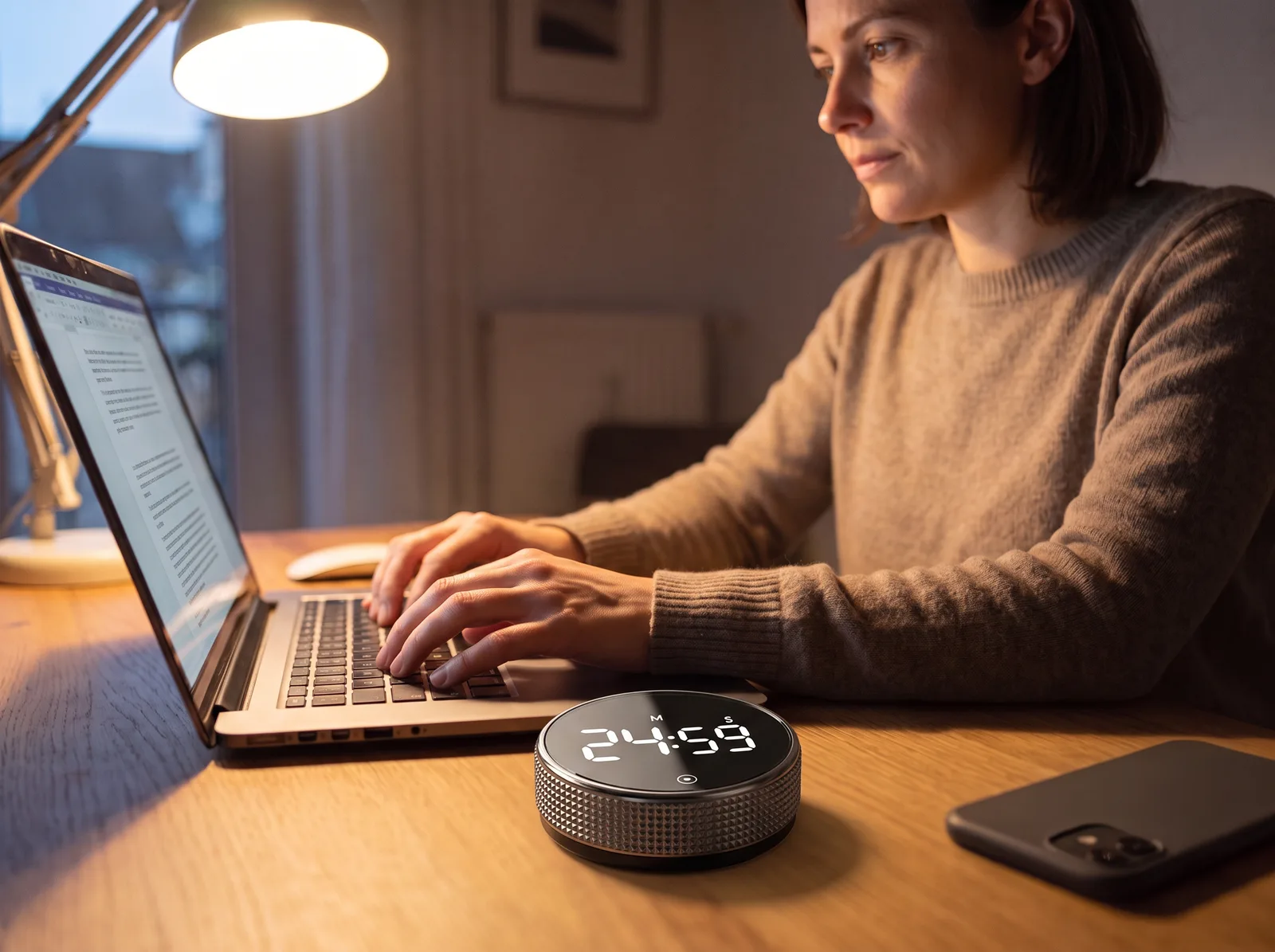
Putting a task off rarely comes from not knowing what to do. You know exactly what to do. It comes from how big the start feels.
The laptop is open. The document is open. You pick up your phone to set a timer, and forty minutes later you're still holding it.
One more minute and then I'll start.
You don't need a new system, a better planner or another app.
You need a smaller start, and somewhere to make it that isn't your phone.
1
Take the start off your phone
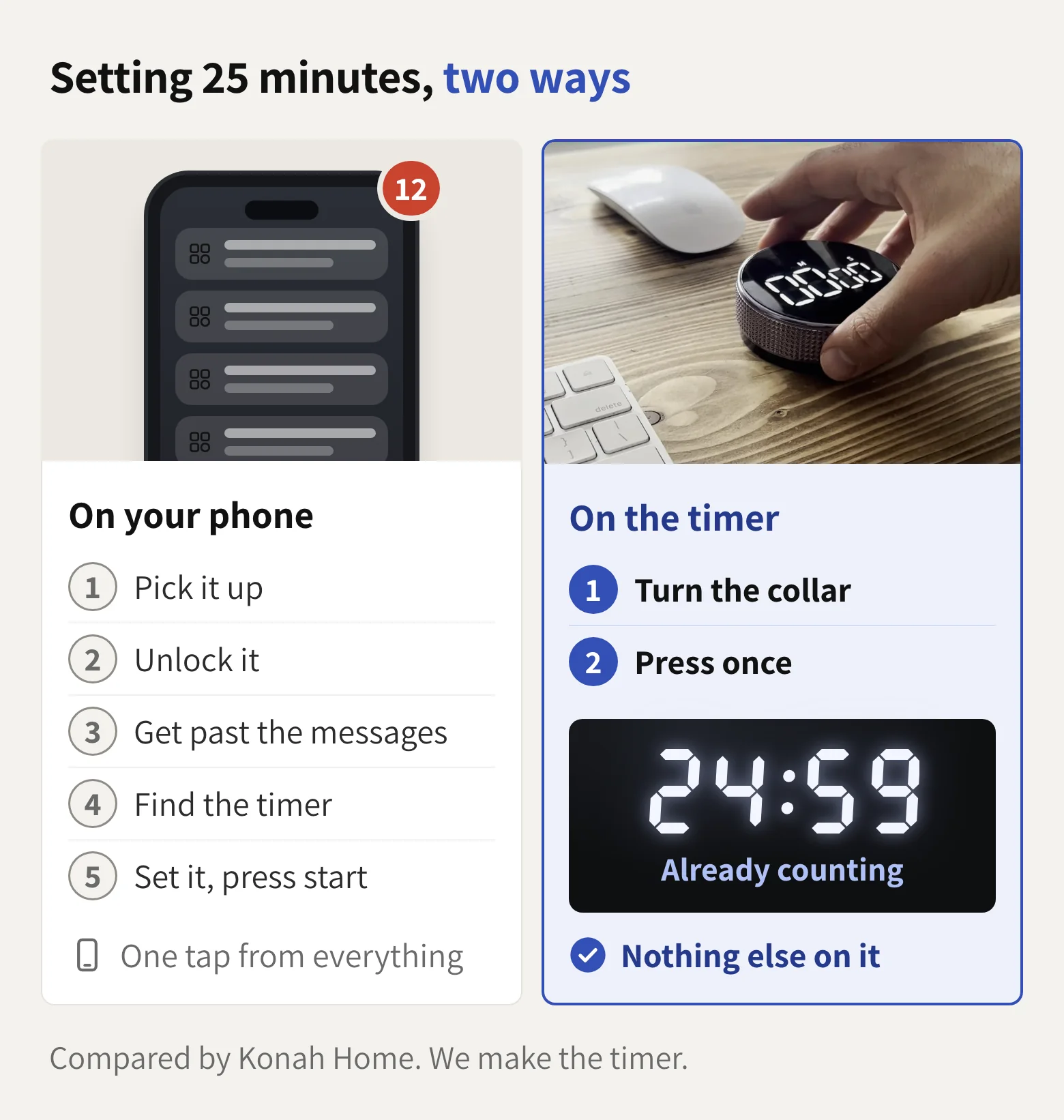
Every start on your phone happens on the one device built to pull you away.
Unlock it to set 25 minutes and your messages are waiting.
That isn't a willpower problem. It's a design problem.
The Smart Productivity Timer has no app, no feed and nothing to send you a notification. It takes the phone out of the start entirely.
“I was using timer apps before this and this works so much better for timing my work blocks.”
2
Shrink the start to one turn
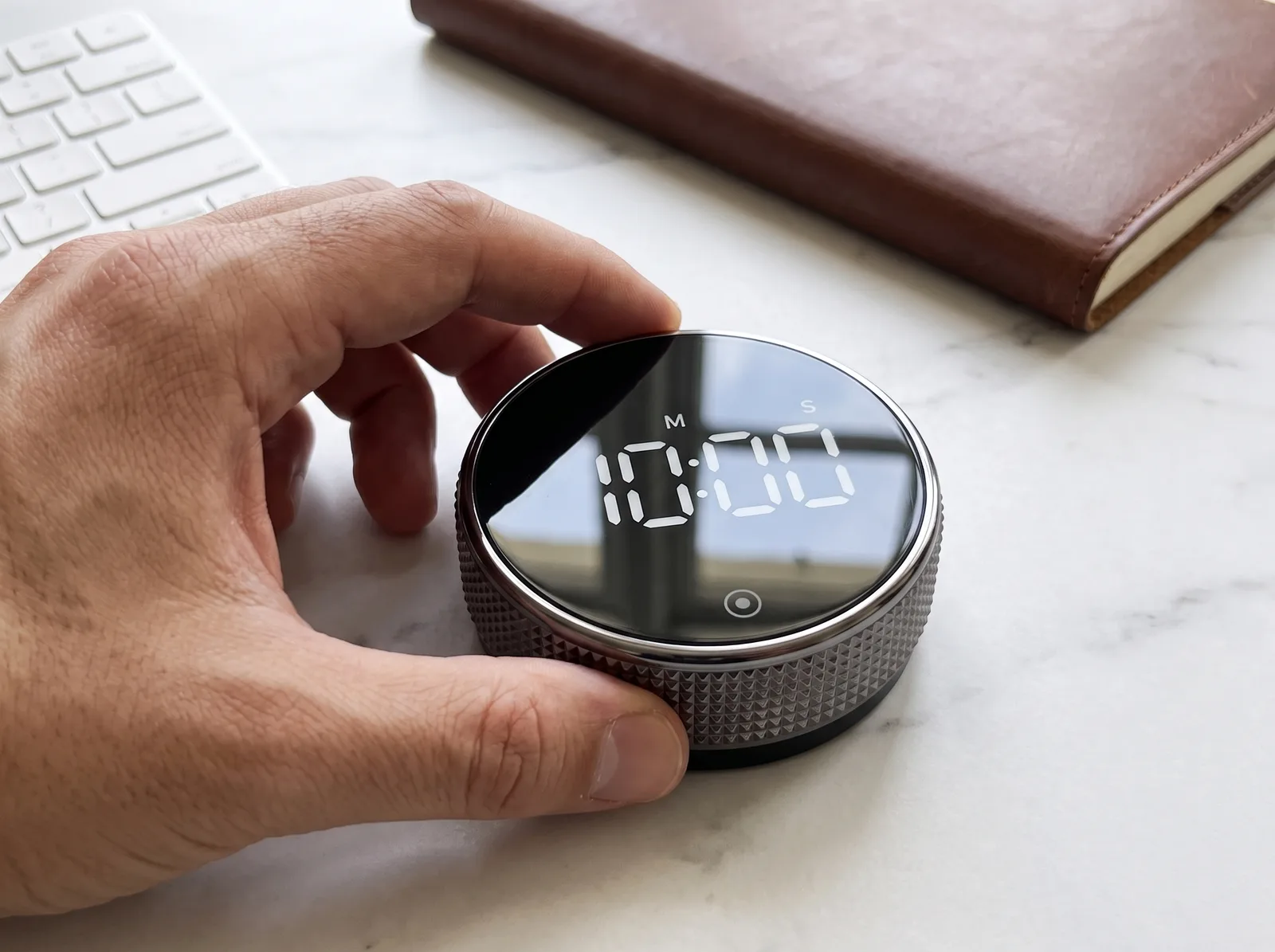
A whole report is too big to start. Ten minutes of it isn't.
So don't promise yourself the task. Promise the timer ten minutes.
Turn the collar and press once. The decision is made before the voice that says later can finish its sentence.
Not an hour. Not a plan. One turn.
“I really love the dial function as its a lot easier and quicker than pressing buttons.”
3
Stop negotiating once it's running
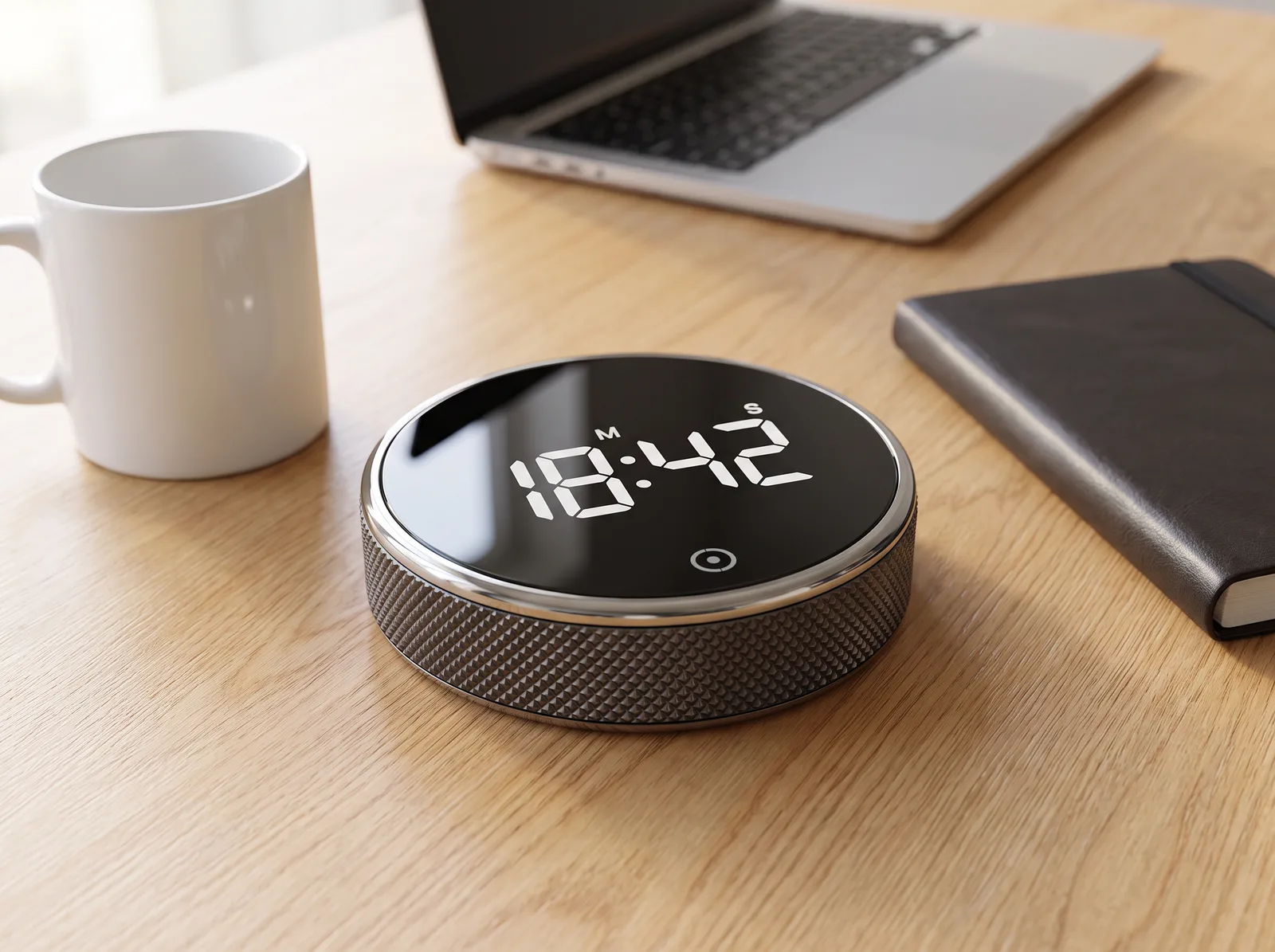
Most starts aren't lost to a big decision. They're lost to small bargains: one more minute, one more check, one more tab.
A running countdown leaves nothing to bargain over. It's ticking where you can see it.
“It works like you expect - big clear display, and simple to use.”
4
Leave tomorrow's start already set
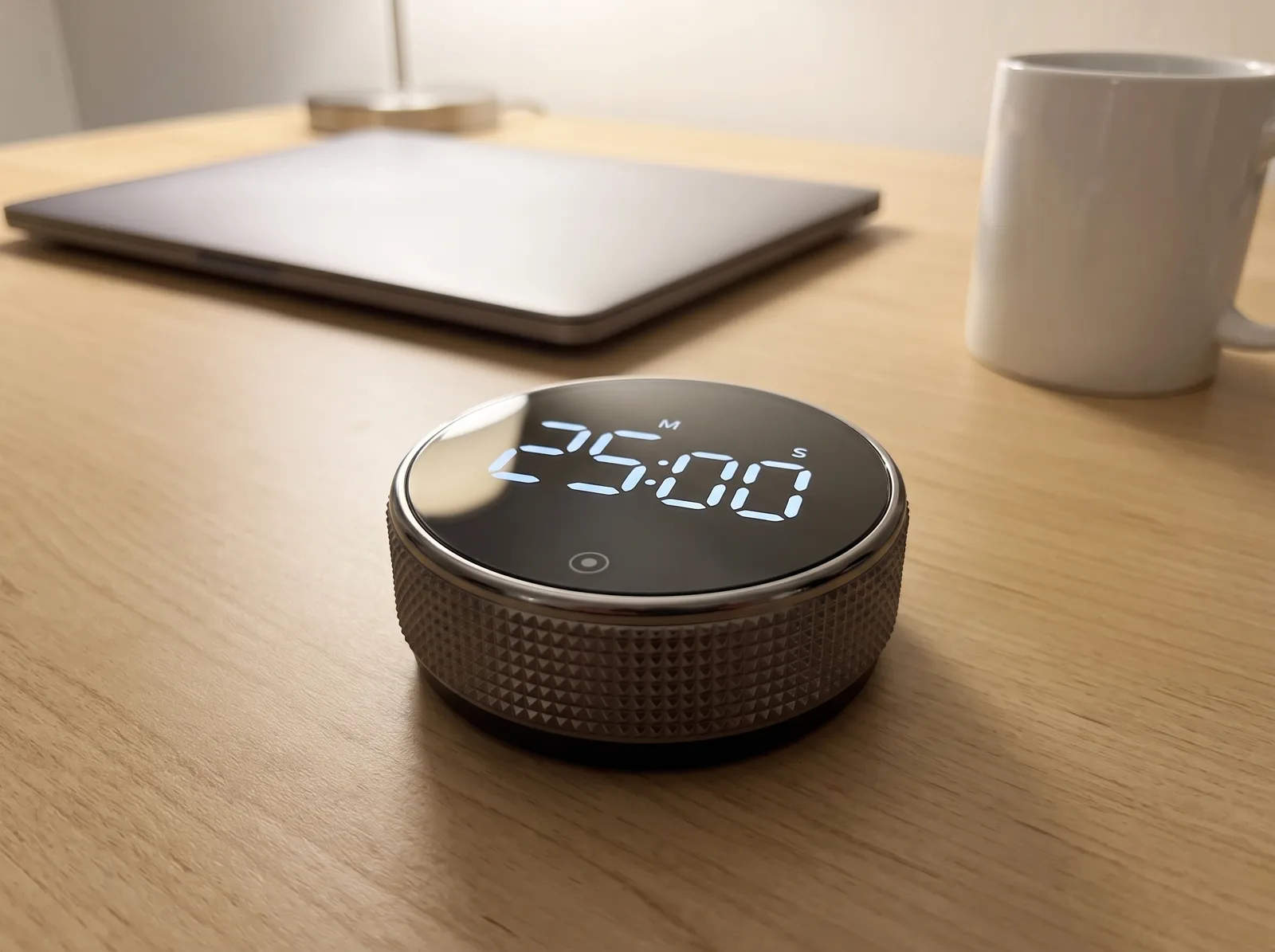
An app lives on a home screen, next to everything that distracts you.
The timer stays where the work happens, on the desk, or stuck to a whiteboard by its magnetic back. Set it tonight and tomorrow's start is a single press.
Nothing to update, nothing to charge: it's AAA battery powered and tested on over 1,000 sessions.
“It remembers the last time set so just tap and go.”
5
Put down the task you've carried all week
An unstarted task doesn't stay at your desk. It follows you to dinner. It's there when you put your phone down at night, along with the quiet what is wrong with me.
Nothing is wrong with you. The start was too big, and it lived on the wrong device.
The timer can't do the work for you. It makes starting small enough that you do. Ten minutes, finished, is enough to put the task down.
“My procrastination got very bad and I would hate myself for it. This timer is genuinely the only thing that helps me stay focused and be accountable for the things I need to do.”
One turn. That's the only thing that needs to change.
Turn the collar. Press once. Work until it rings.
It's $44.99 today, usually $69.99. Save 20% on two or 30% on three, and both ship free.
- 4.9/5, 26 reviews
- No app needed
- Secure checkout
- Ships from US and EU
Konah Home makes this timer. It's a timer, not a treatment: it doesn't diagnose or treat ADHD or any condition. Reviews quoted are published on konah-home.com.