36% off today. Duo and Trio ship free.

A 4-minute read
You’ve Tried Six Ways to Make Yourself Start. The Seventh Has No App.
Before the next app or 5am alarm, read this.

You’ve tried the phone timer, and forty minutes later you were still on the phone. A focus app with a tomato on it, until the constant timers stressed you out. A website blocker you switched off on day three. The “perfect” planner setup that became a full-time job. A whole day time-blocked in color. The 5am alarm.
The task is still there. You know exactly what it is. You just can’t make yourself start.
Six tries. One winner. Here’s the difference:
My procrastination got very bad and I would hate myself for it. This timer is genuinely the only thing that helps me stay focused and be accountable for the things I need to do.
1
You Start Before You Can Talk Yourself Out of It

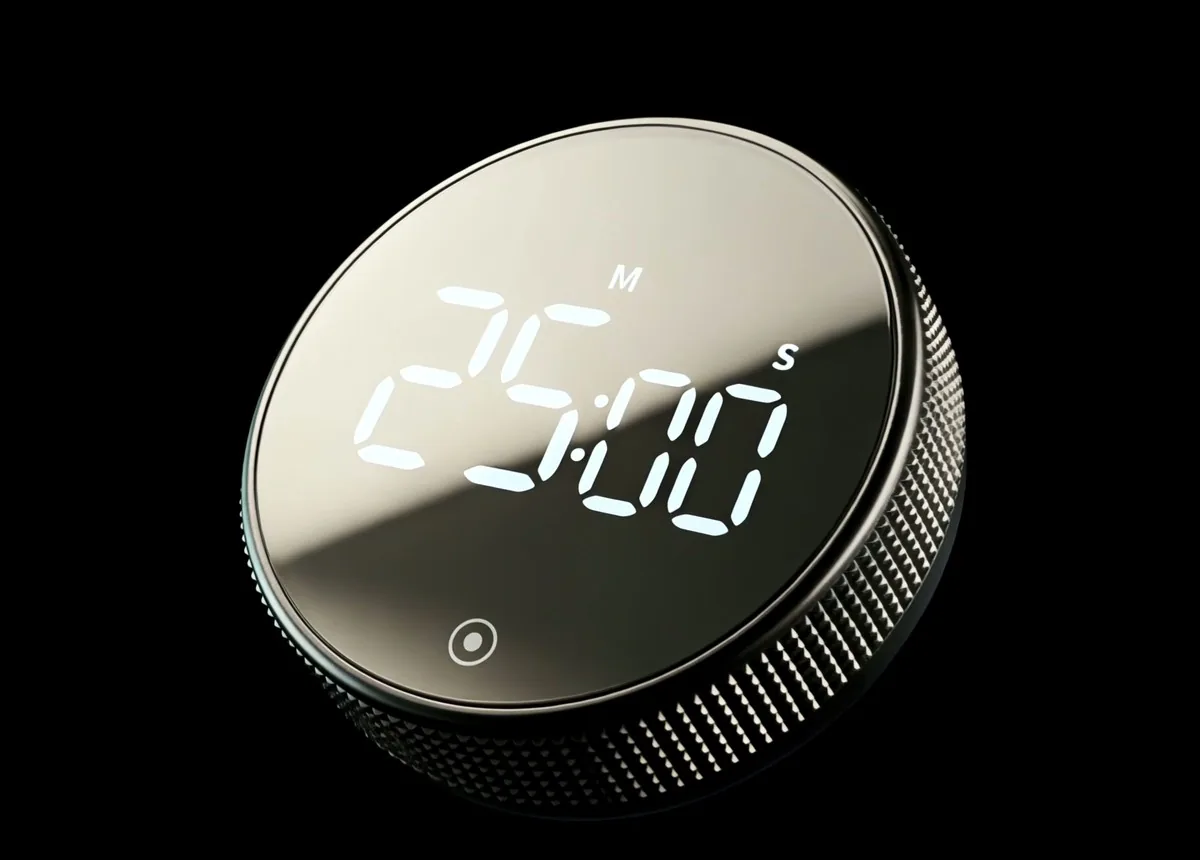
A good morning looks like this. Laptop open. Phone in a drawer. You turn the timer to 25:00 and press once.
Not a plan for the whole day. One block, already running. And you know what usually happens once you sit down: you keep going.
2
You Think It’s Just a Timer. It Is.
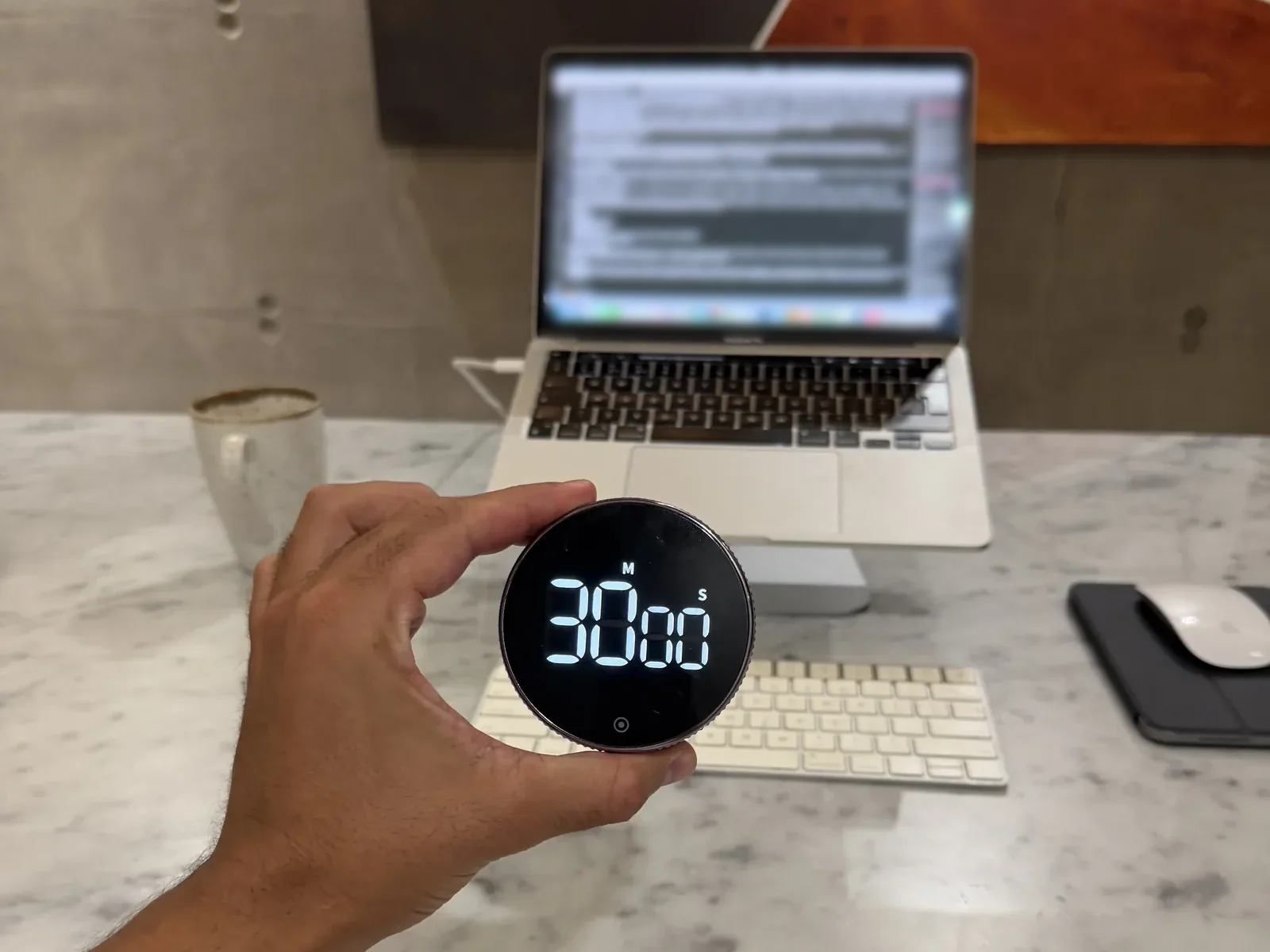
After six tries, you’d be suspicious of anything. Honestly? The first time you turn it, nothing magic happens. It’s a countdown.
What changes is smaller, and more useful: starting stops being a decision you make with your phone in your hand. It’s one turn and one press.
I was a bit skeptical of the actual functionality but it's super intuitive to use.
3
“What Does It Actually Do?” Here’s All of It
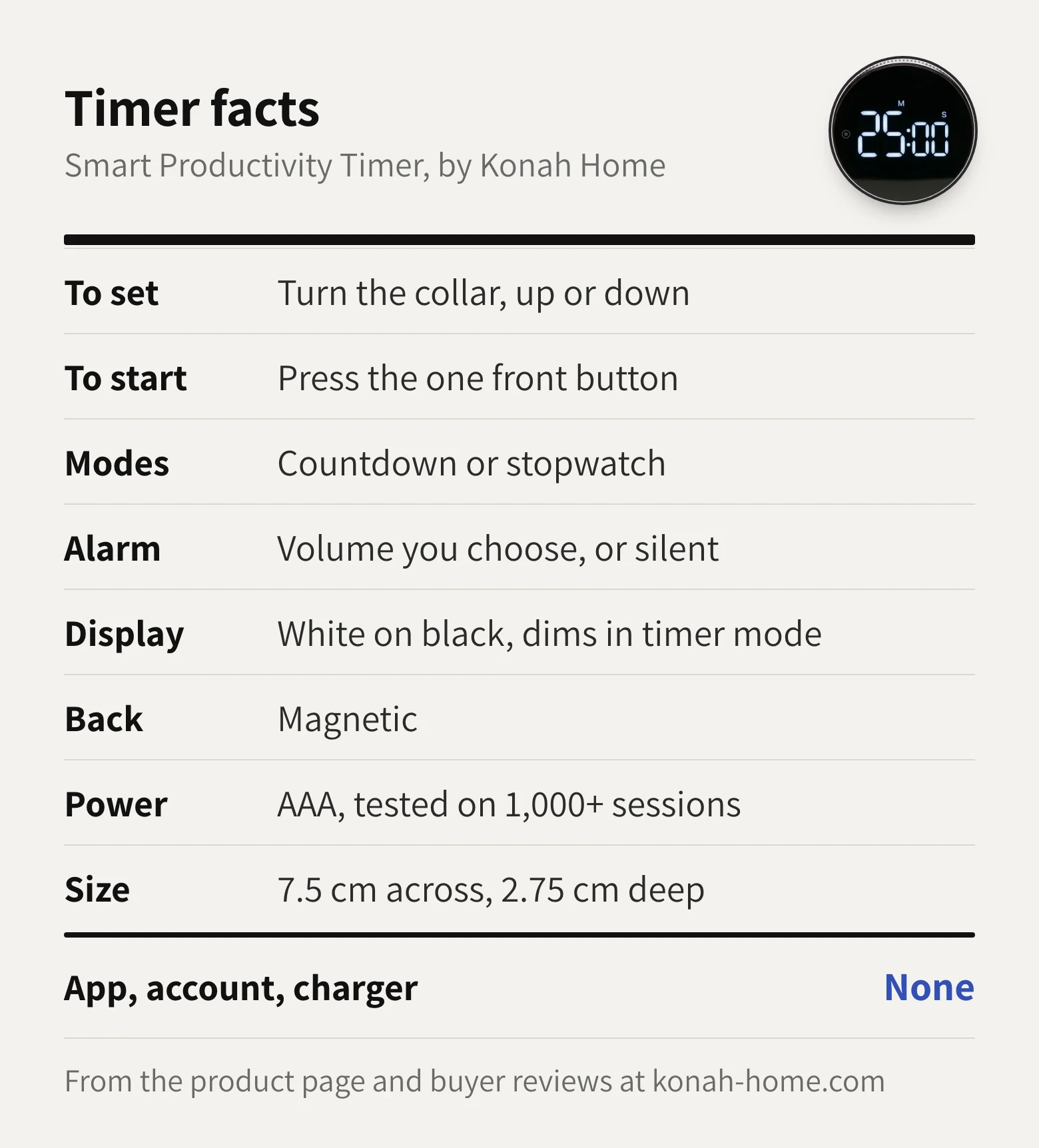
No app to learn, no settings menu. One buyer, Tina Y., said it “makes you feel like a safe cracker when setting.” She’s right.
4
Works With the Desk You Have
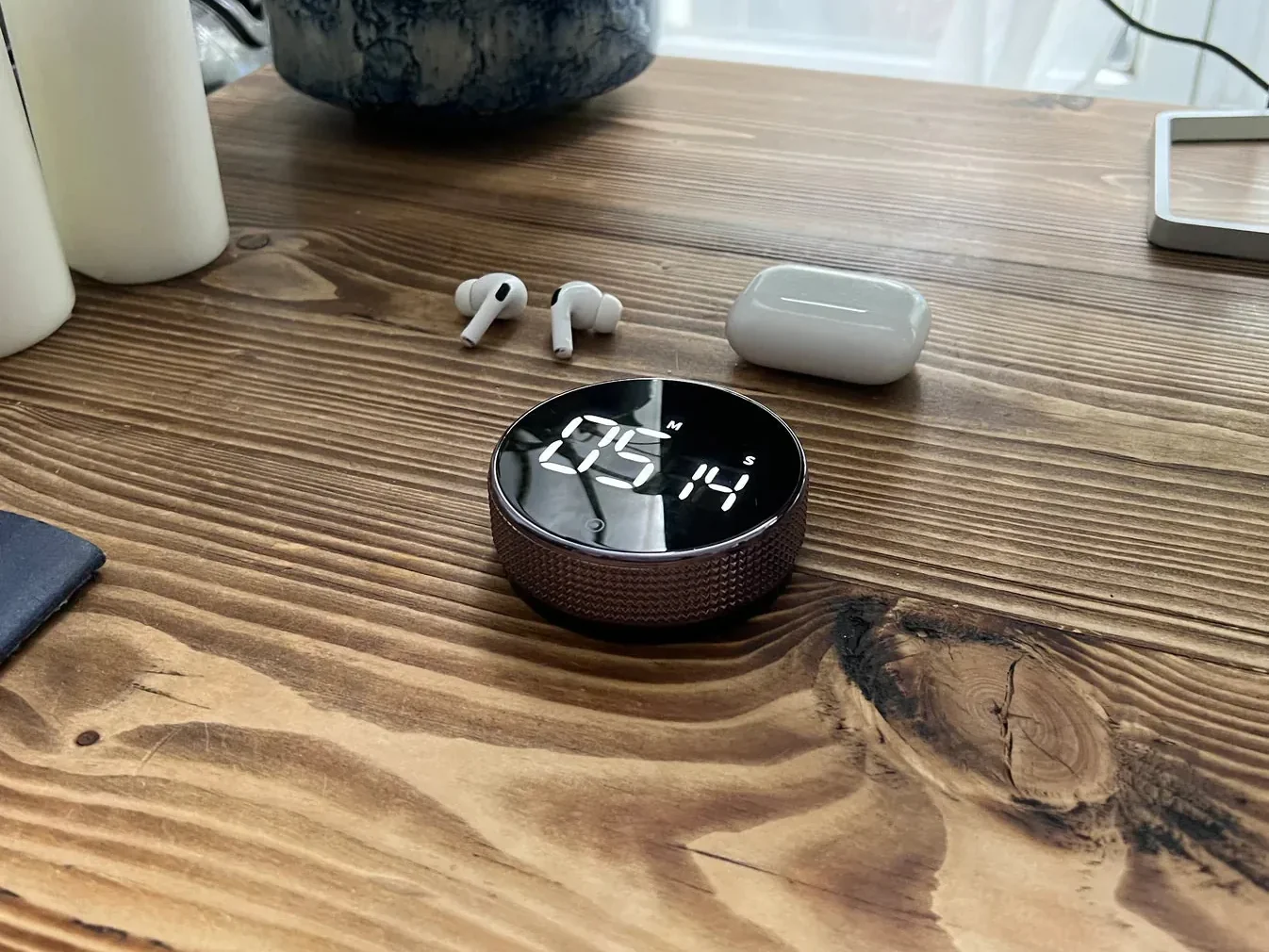
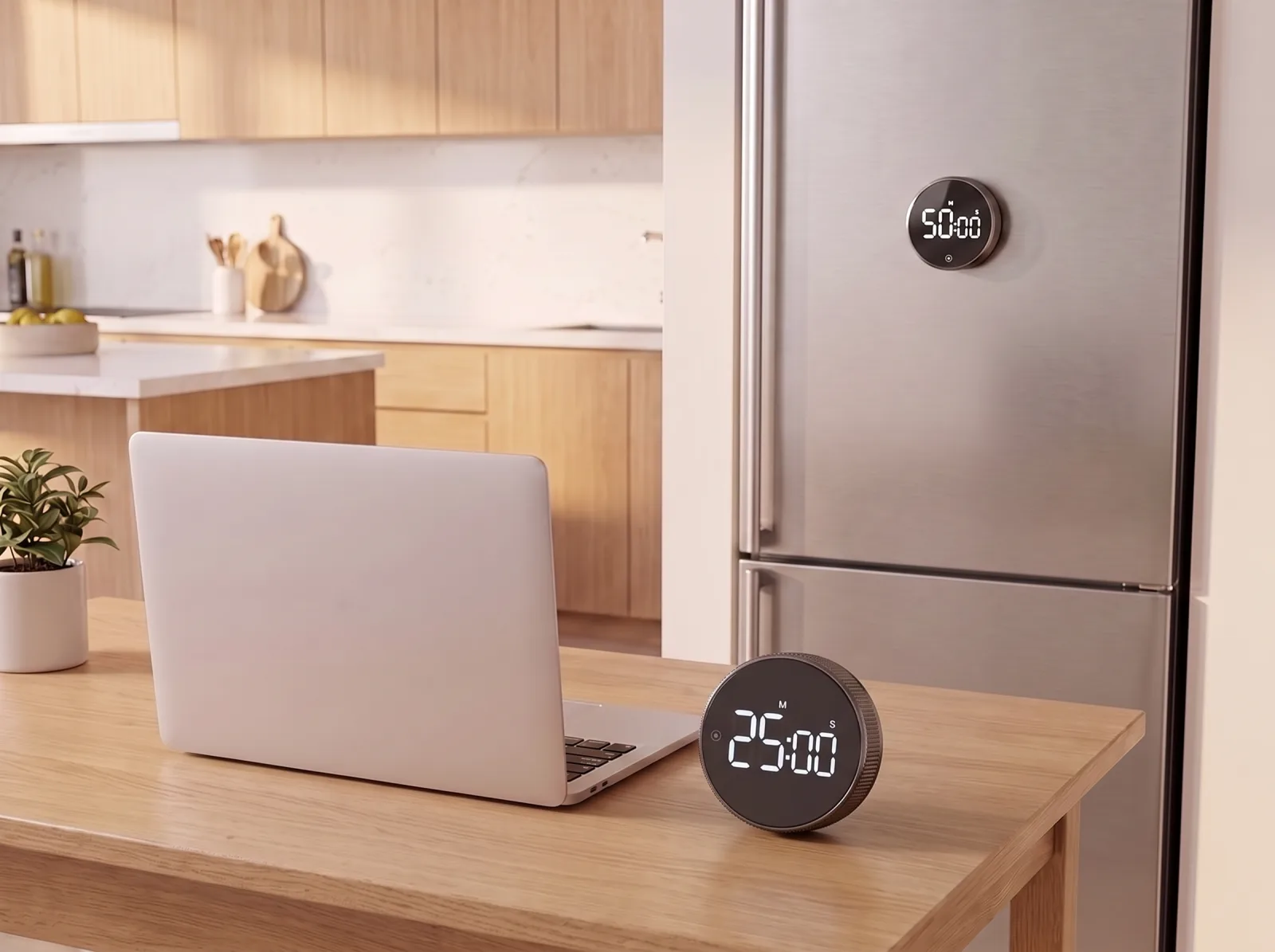
There’s nothing to download, pair or charge. It runs on an AAA battery.
The magnetic back sticks to a whiteboard or the fridge, so the timer goes wherever the work happens.
5
But Your Phone Already Has a Timer. That’s the Problem.
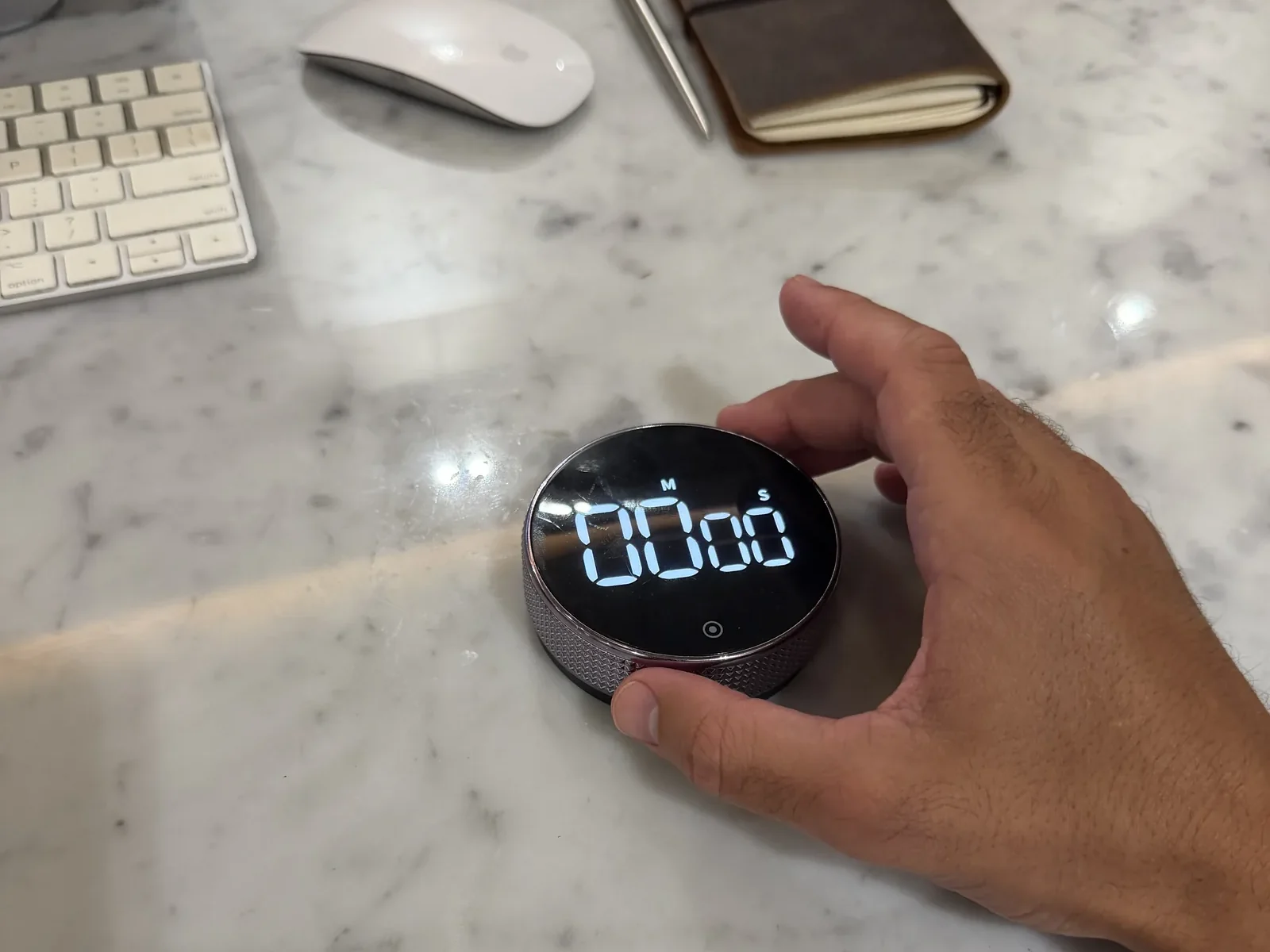
Fair question. Why pay for what your phone already does? Because to start the timer on your phone, you pick up your phone. That’s where the messages are, the feed, the forty minutes.
This one sits on the desk and does one job. You turn it with your hand, and the phone stays in the drawer.
I was using timer apps before this and this works so much better for timing my work blocks. Being able to feel the wheel rotating keeps you present and it looks great
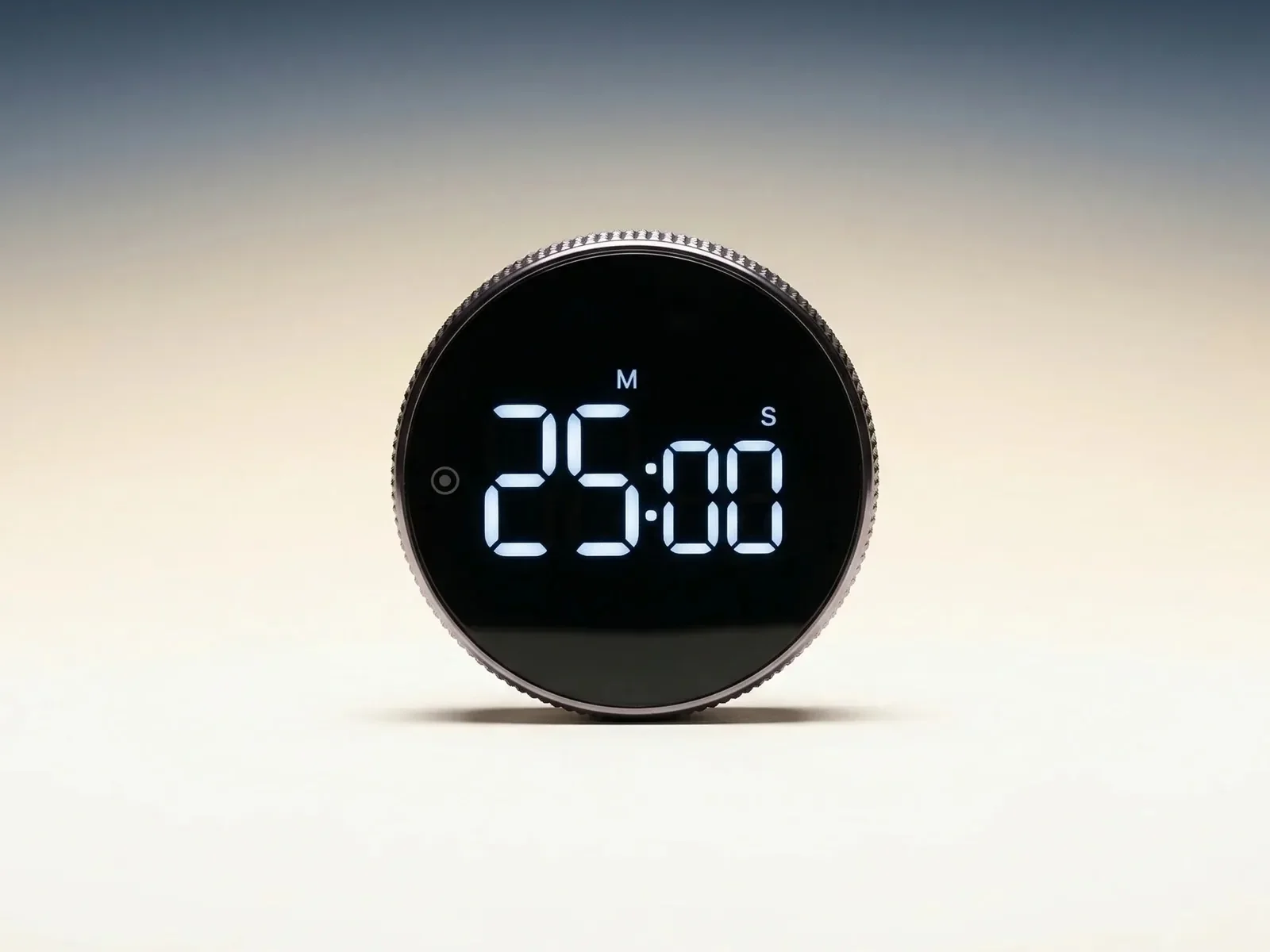
Still skeptical? So was James W.
Save 36% on the Smart Productivity Timer
$44.99Was $69.99
- Turn the collar to set, press once to start
- Countdown or stopwatch, alarm or silent
- Magnetic back, AAA battery, no app
Two save 20%, three save 30%. Both ship free.
6
Why This One Sticks
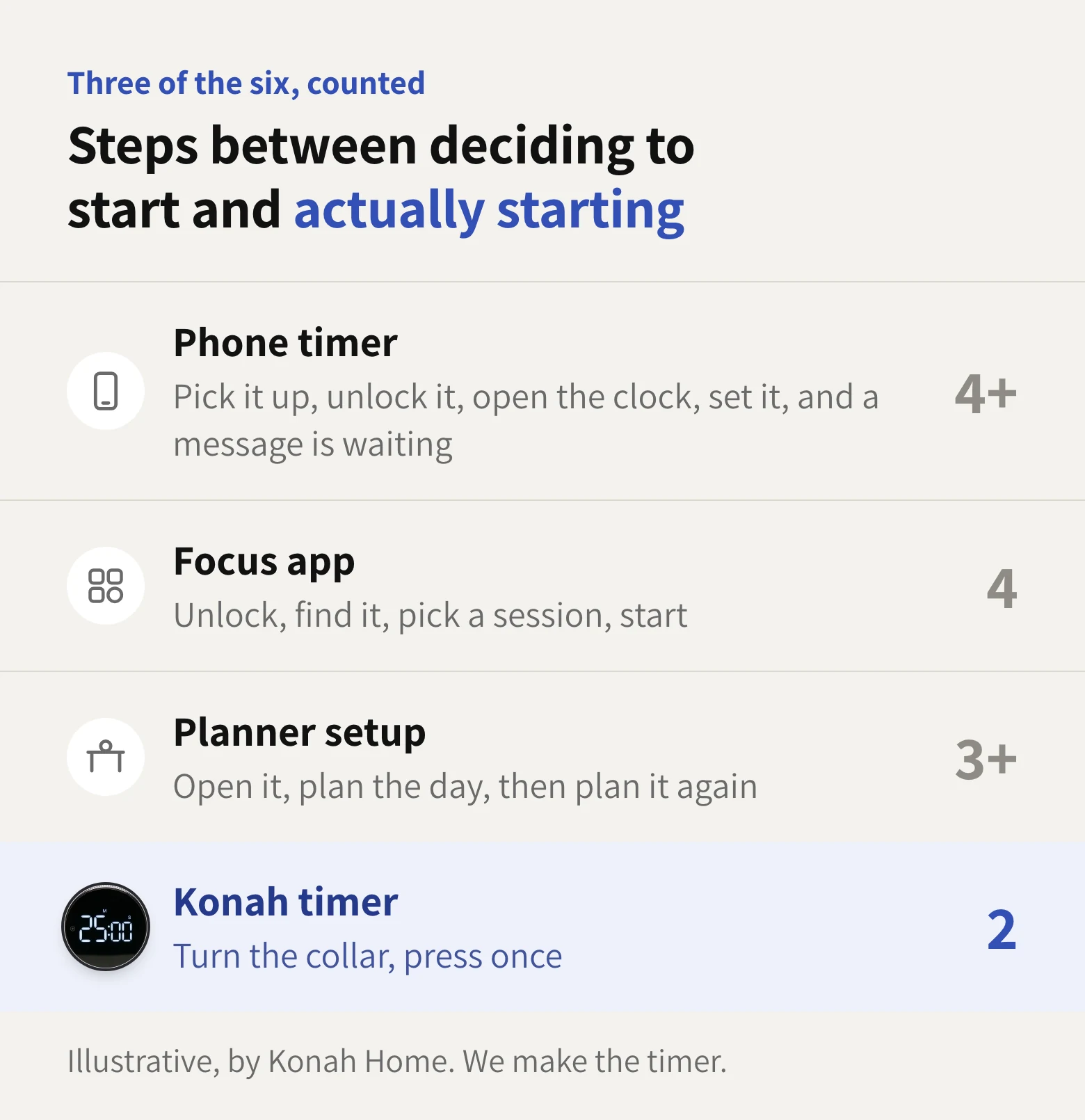
Here’s what the six have in common: they all fail in the gap between deciding to start and actually starting. Every step in that gap is room for one more minute and then I’ll start.
The timer shrinks the gap to one turn and one press. Less gap, less room for later.
7
What 26 Buyers Said: 4.9 Out of 5
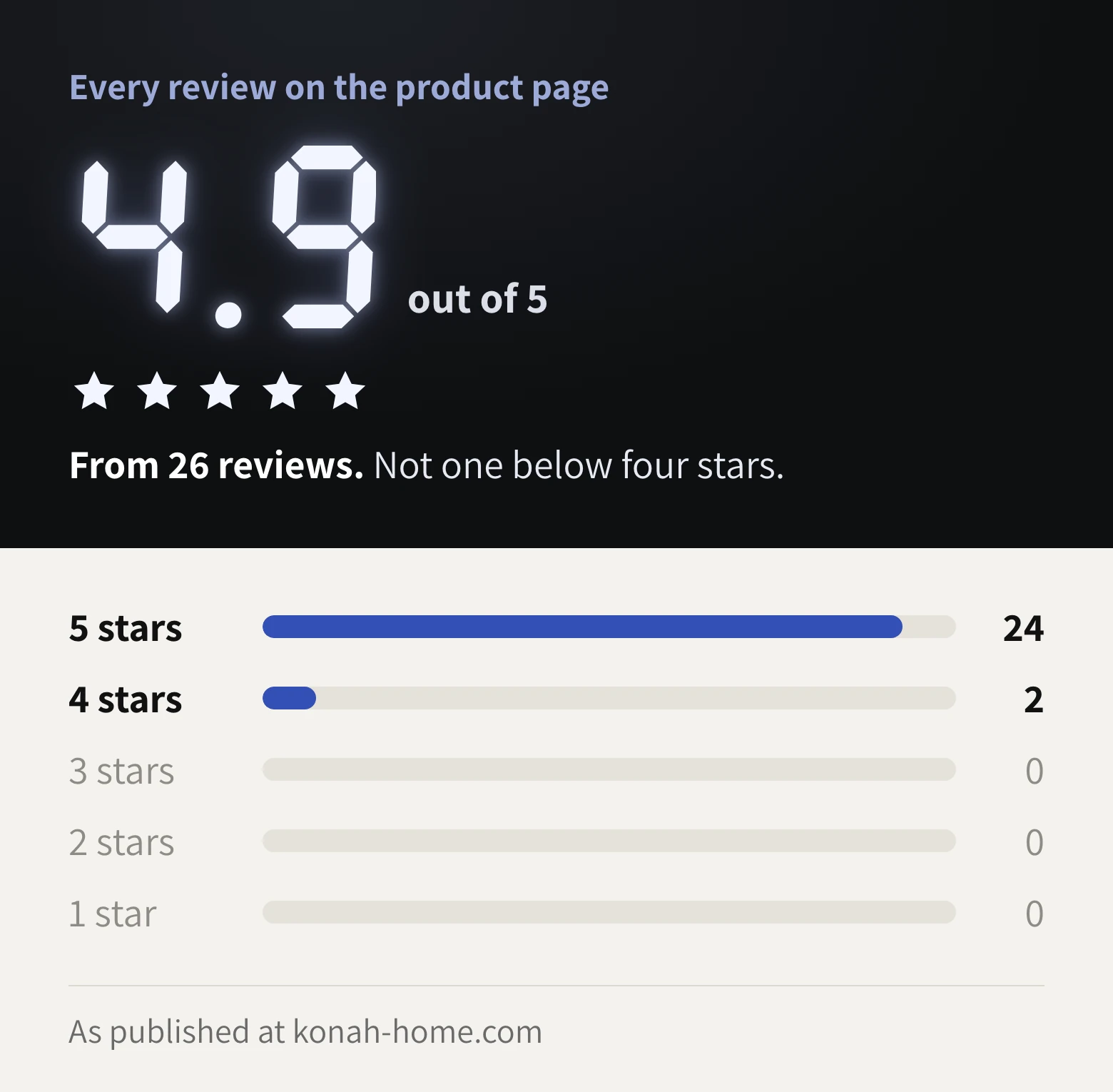
We don’t have studies, and we won’t pretend to. We have what buyers wrote, like this one:
I love this. It's a quality product and looks great on my desk. I use it everyday and love having a physical timer instead of using apps
8
No Subscription. Nothing to Renew.
The six kept asking for more: a monthly plan, a premium tier, a fresh notebook. This one you pay for once.
If someone at home is stuck in the same loop, the Duo saves 20% and the Trio 30%, and both ship free.
Six Tries Is Enough. Make It Seven.
You already know what the task is. You’ve known all week.
Today the Smart Productivity Timer is $44.99 instead of $69.99.
- Secure checkout
- Ships to 200+ countries
- No app needed
- 4.9 out of 5
Konah Home makes this timer. It’s a timer, not a treatment. Reviews quoted are published on konah-home.com.