36% off the timer today. Duo and Trio ship free.

From the Konah Home team
Upgrade your workday: 10 reasons professionals need to ditch the phone timer
Your focus timer lives on the one device most likely to pull you off the task. Here are ten reasons to swap it for one that sits on your desk and does nothing else.
1Reason 1 of 10
Phone timers leave you one tap from everything else
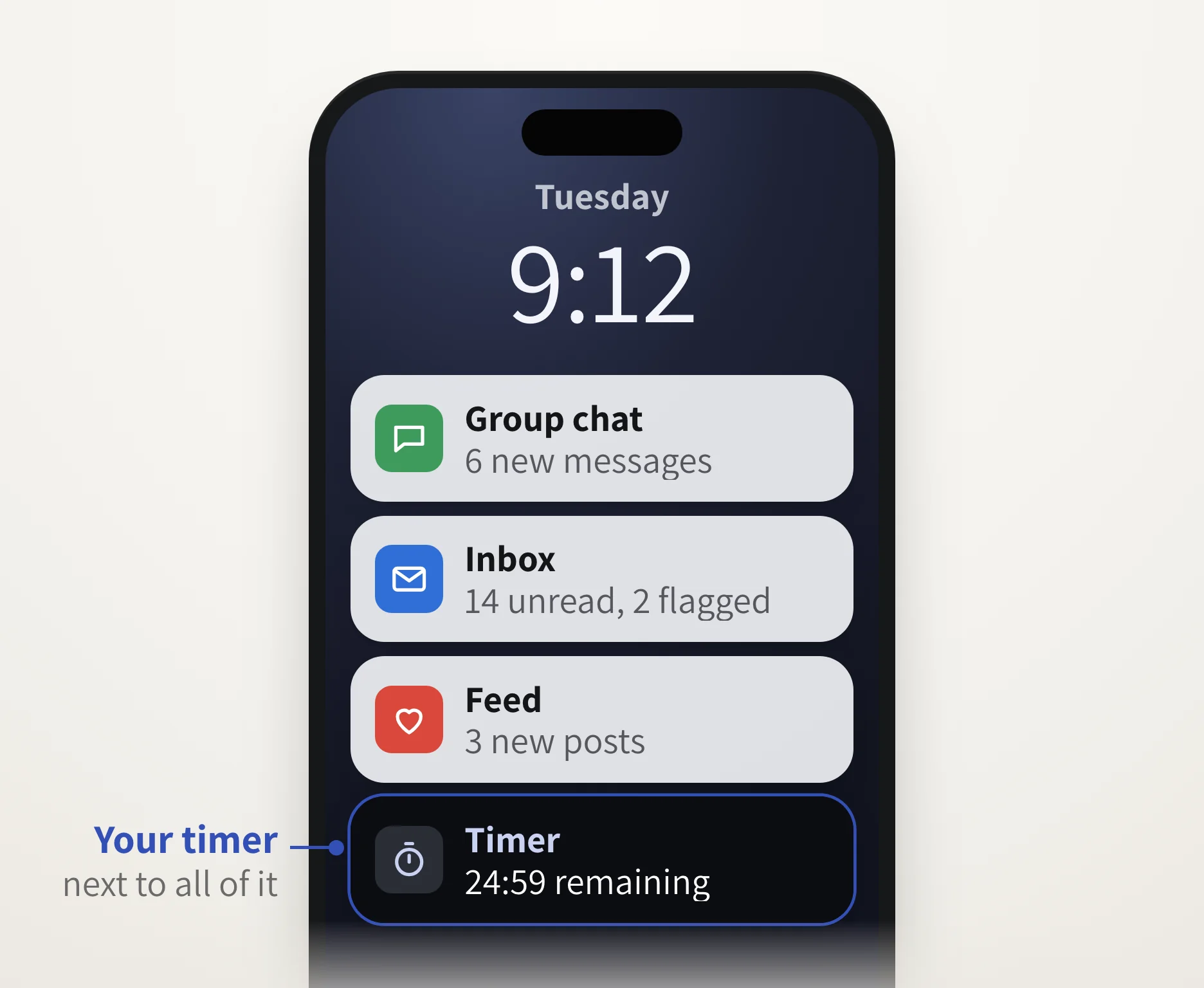
You open the laptop, set 25 minutes on your phone and put it down face up. Then it lights up.
A phone timer doesn't start your work. It sits on the device that keeps interrupting it.
2Reason 2 of 10
Your phone wants the same hour you do
The inbox, the feed, the news: every app on it is asking for the hour you set aside.
The Smart Productivity Timer sits on your desk and only counts down. No apps, no pings, nothing else to open.
3Reason 3 of 10
They make you unlock everything else first
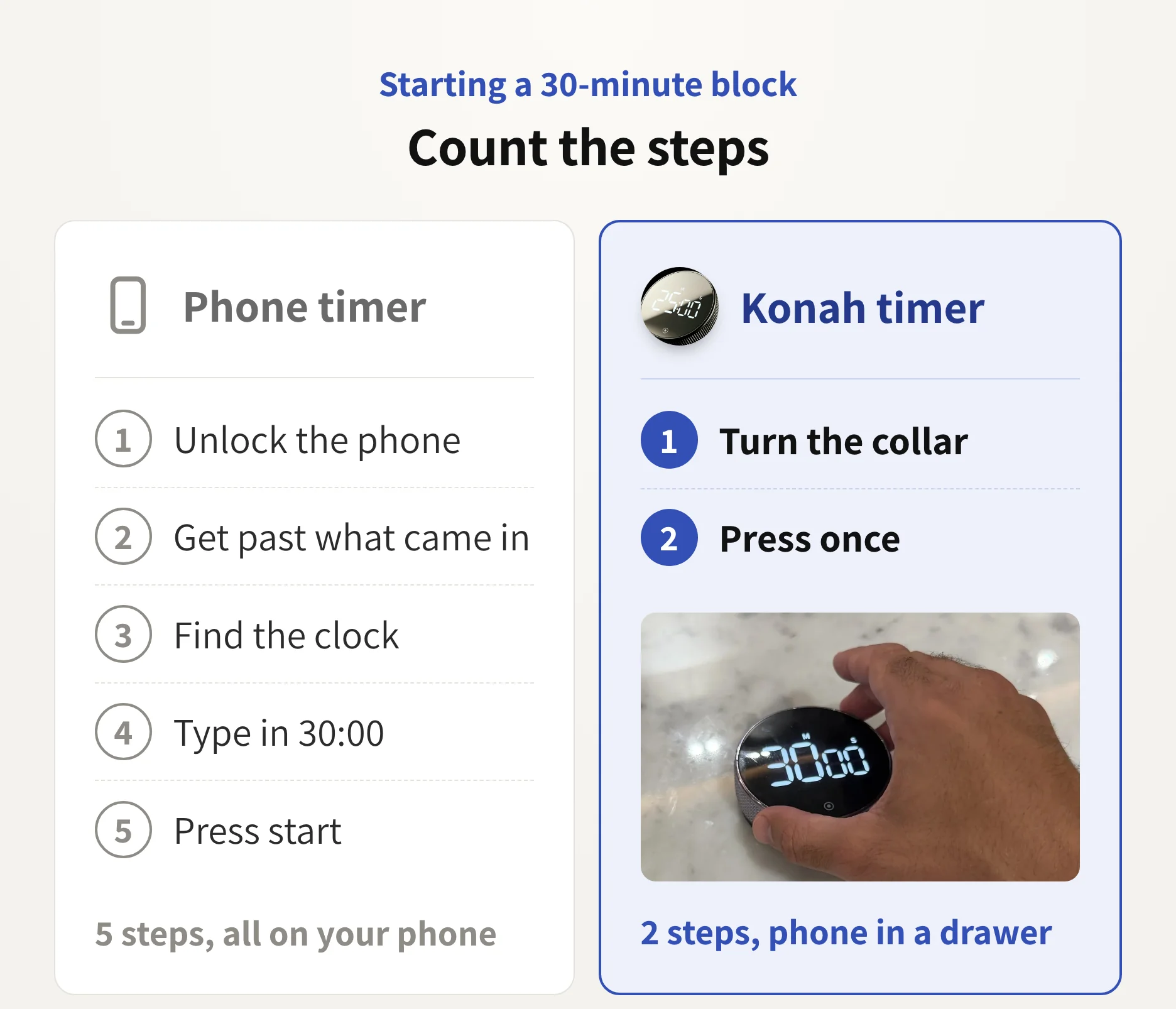
To set a phone timer you unlock it, get past what came in, find the clock and type the minutes. Each step is a chance to drift, and some mornings you take it.
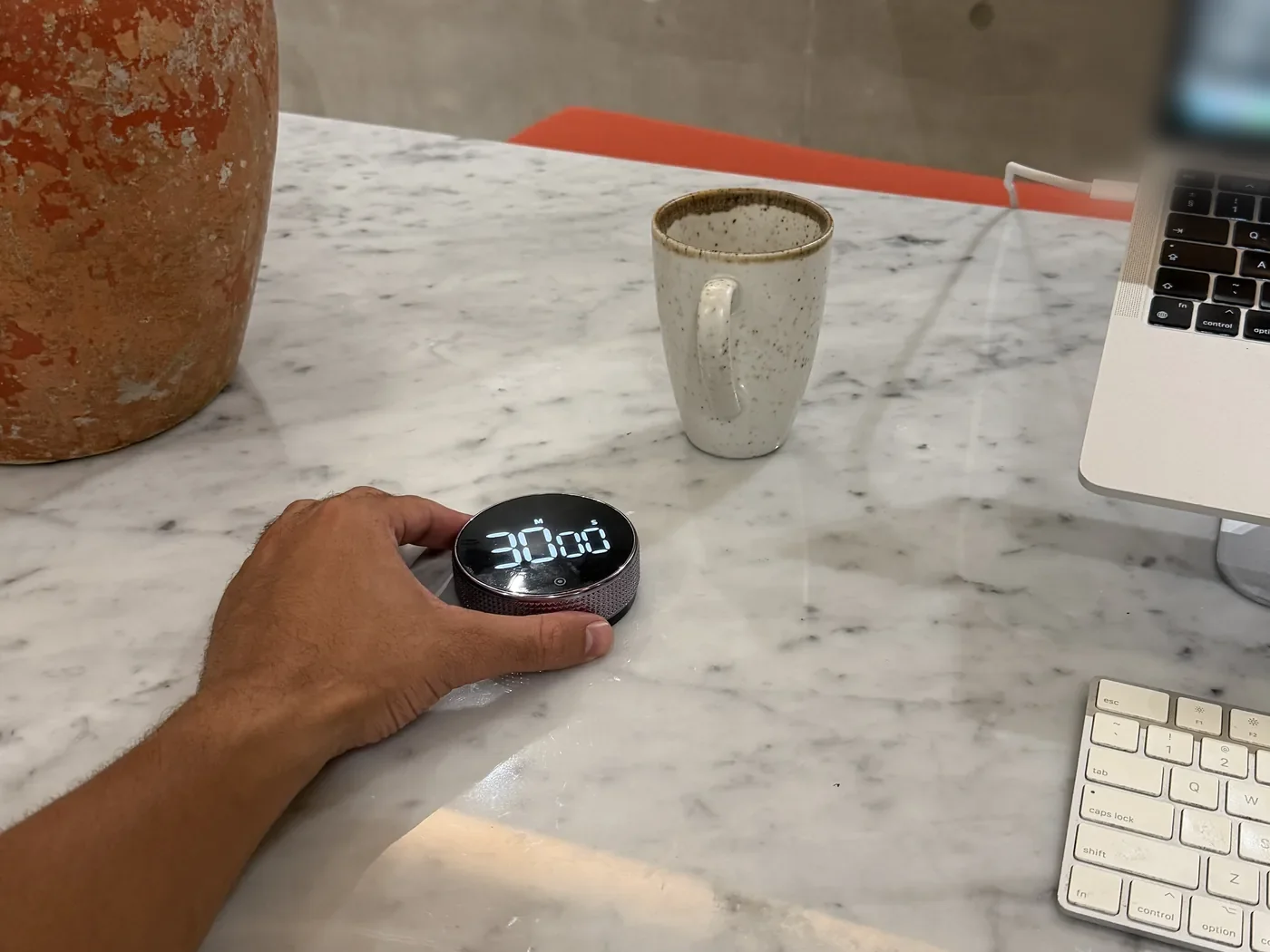
The Konah timer has a metal collar around its face. Turn it to set the time, press once, and it's counting.
I was using timer apps before this and this works so much better for timing my work blocks. Being able to feel the wheel rotating keeps you present and it looks great
4Reason 4 of 10
You want to see the time without picking anything up
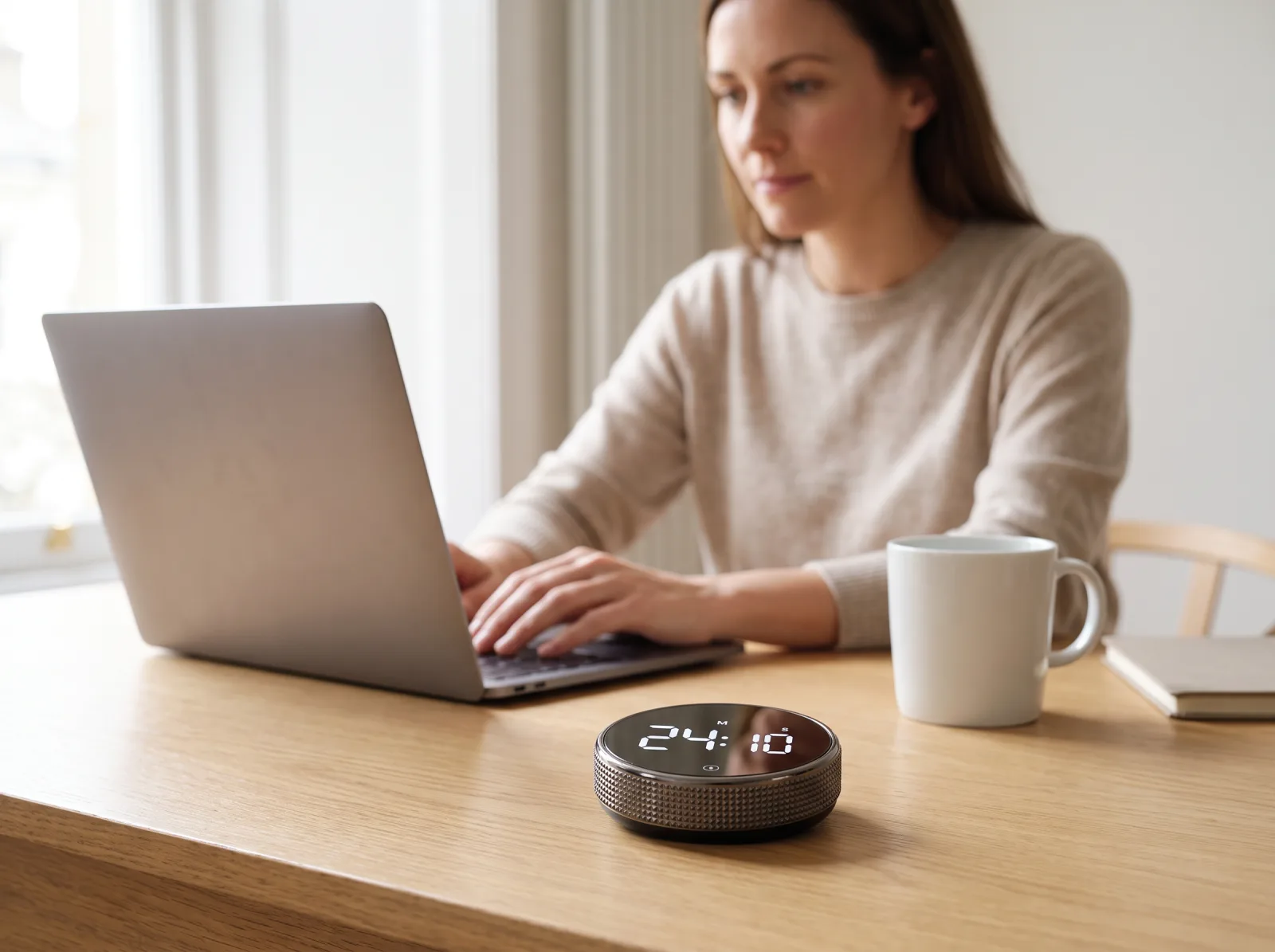
The timer sits beside the laptop: 7.5 cm across, with a white-on-black display. A glance tells you where you are in the block, and the phone stays in the drawer.
As Joshua T. put it: "Big numbers to see, easy to use."
5Reason 5 of 10
You want to close the laptop with the hard part done
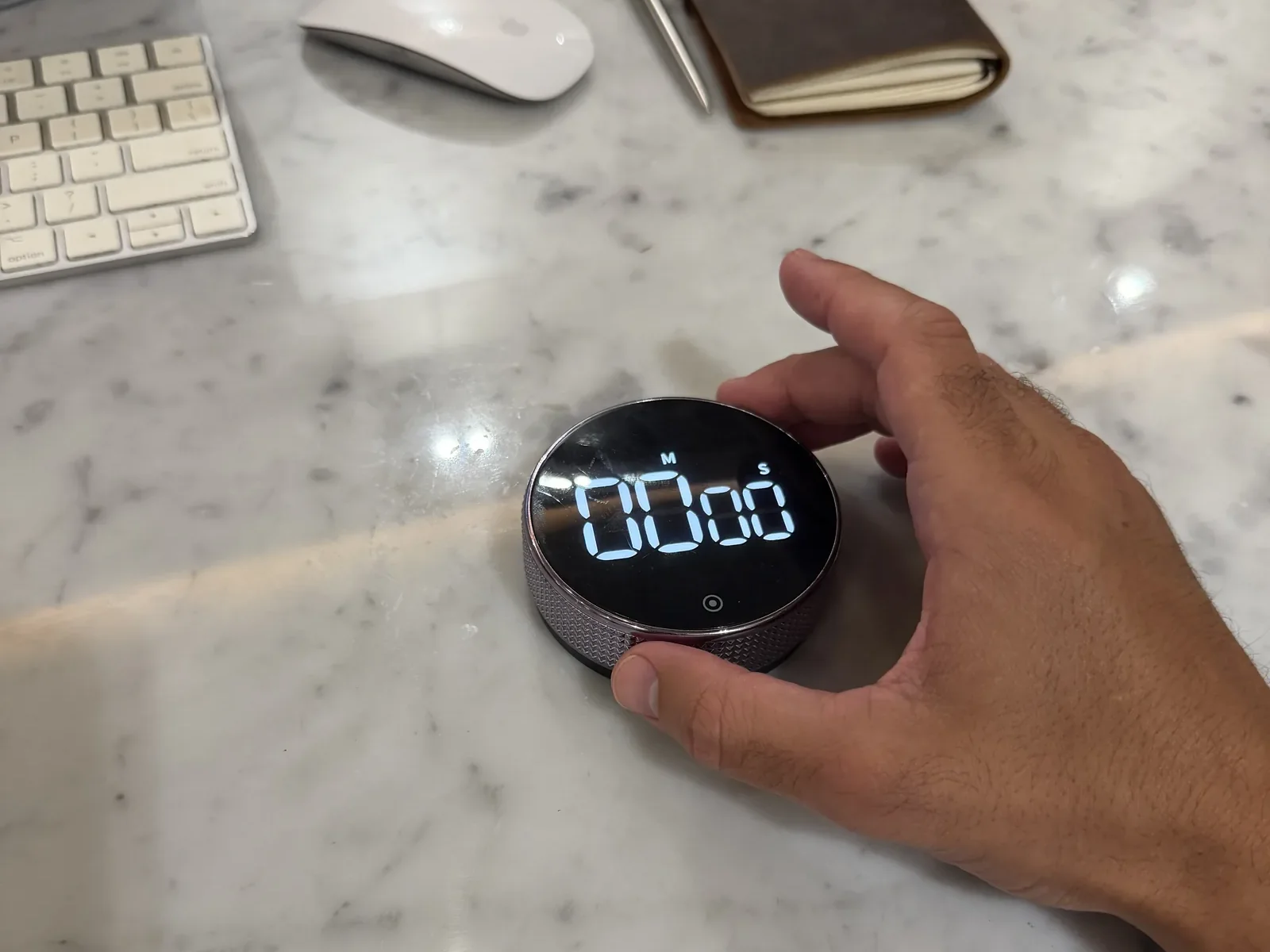
Picture the evening the report is sent and the email you kept reopening is answered. No tab left open, no I'll do it first thing tomorrow.
You don't need a heroic hour, just a start. Turn the collar to ten minutes, press once, and let the countdown hold you to it.
Save 36% today
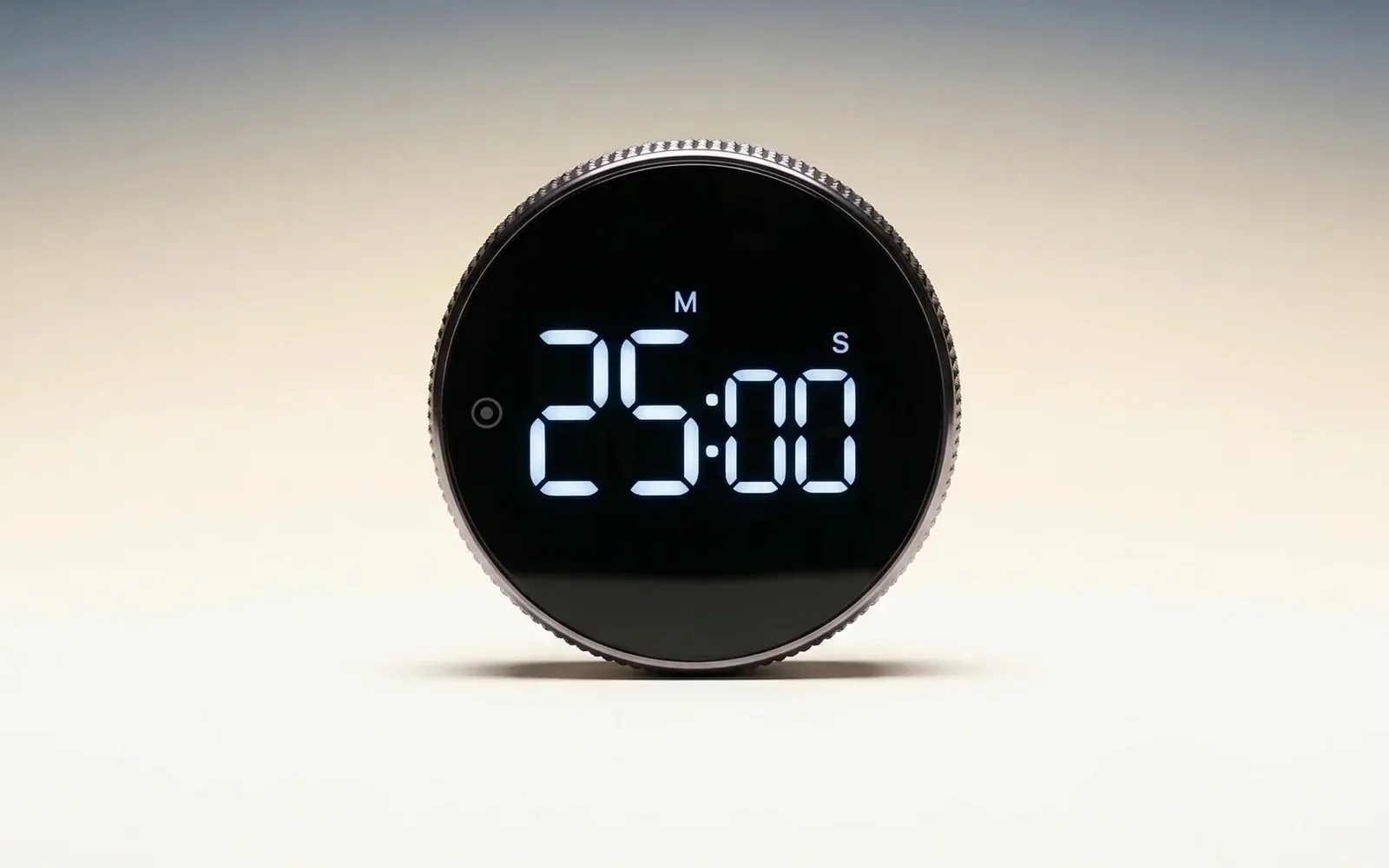
Today's price
The Smart Productivity Timer
$44.99Was $69.99
- Turn the collar to set, press once to start
- Countdown or stopwatch, with a silent mode
- Magnetic back, AAA battery, no app
- 7.5 cm across, sits beside the laptop
Save 20% on two, 30% on three. Duo and Trio ship free.
6Reason 6 of 10
It's time for a timer people use every day
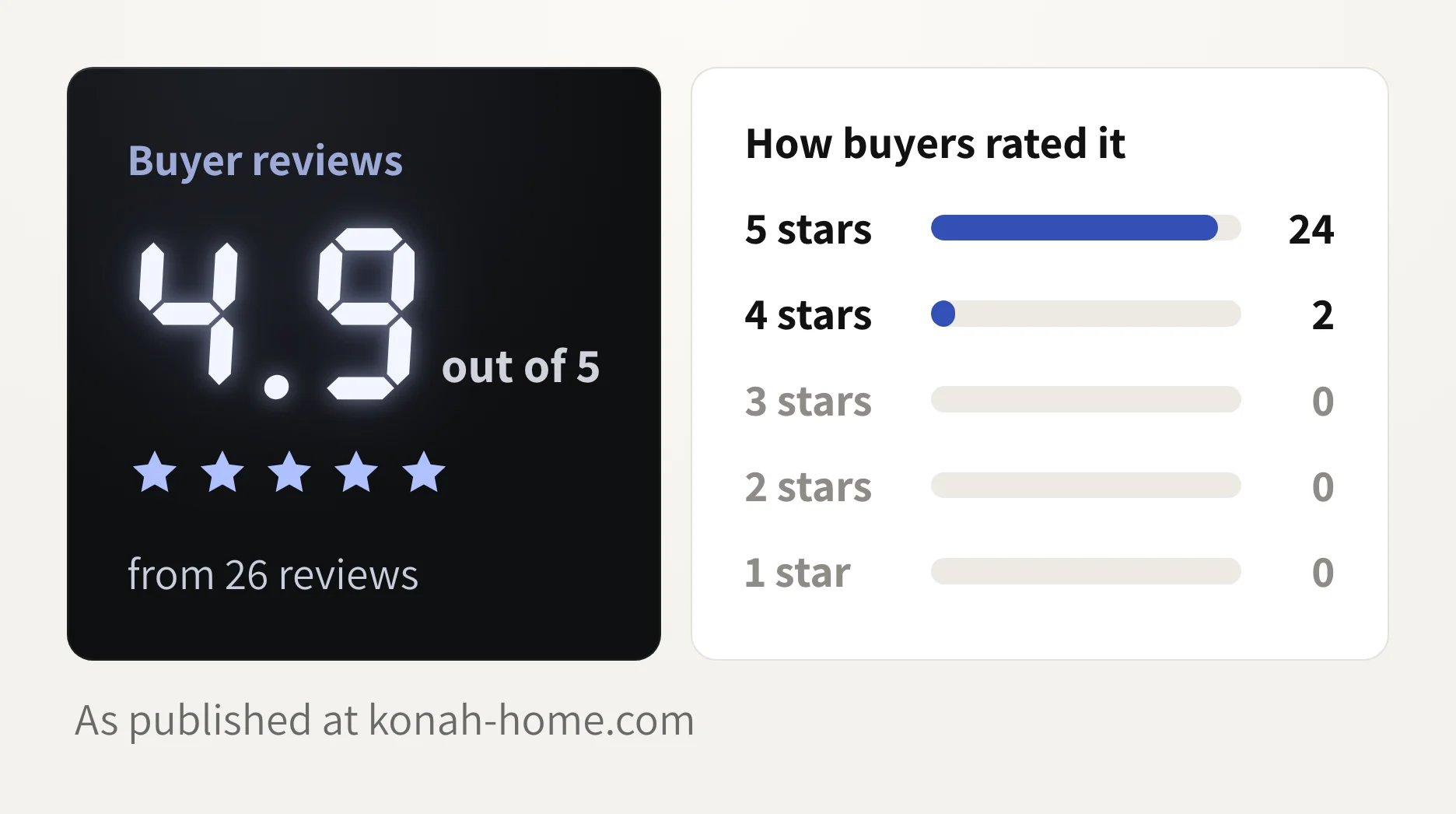
Read the 26 reviews on konah-home.com and the same few words come back: simple, easy to use, looks great on the desk.
And people keep using it. Amanda H. says she uses it "literally all the time".
I love this. It's a quality product and looks great on my desk. I use it everyday and love having a physical timer instead of using apps
7Reason 7 of 10
You're done with timers that stress you out
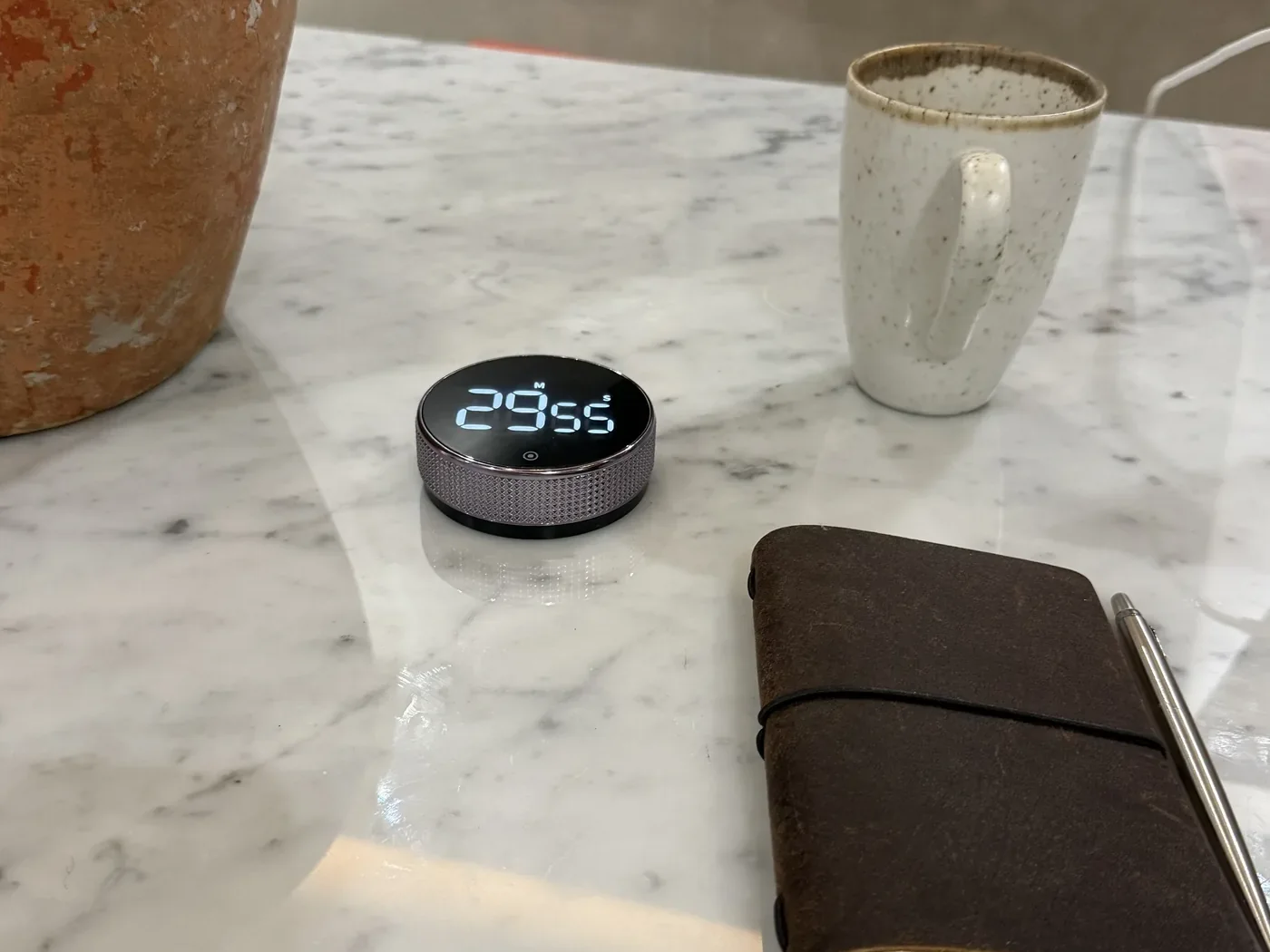
If a ticking clock makes your chest tighten, you're not alone. The Konah timer stays quiet when you want it to.
There's a silent countdown mode, an alarm volume you choose, and a length you set. Turn too far and you can just dial it back.
8Reason 8 of 10
They're free, but they're the expensive option

The phone timer costs nothing. The scroll it opens can cost you the whole evening.
The Konah timer is $44.99, once. No subscription, no app, no charging cable. As Juan P. wrote: "I personally would rather pay a little bit more money to have this design and function."
The more you know: it runs on an AAA battery tested on over 1,000 sessions.
9Reason 9 of 10
The same old ringtone is jarring when someone else is talking
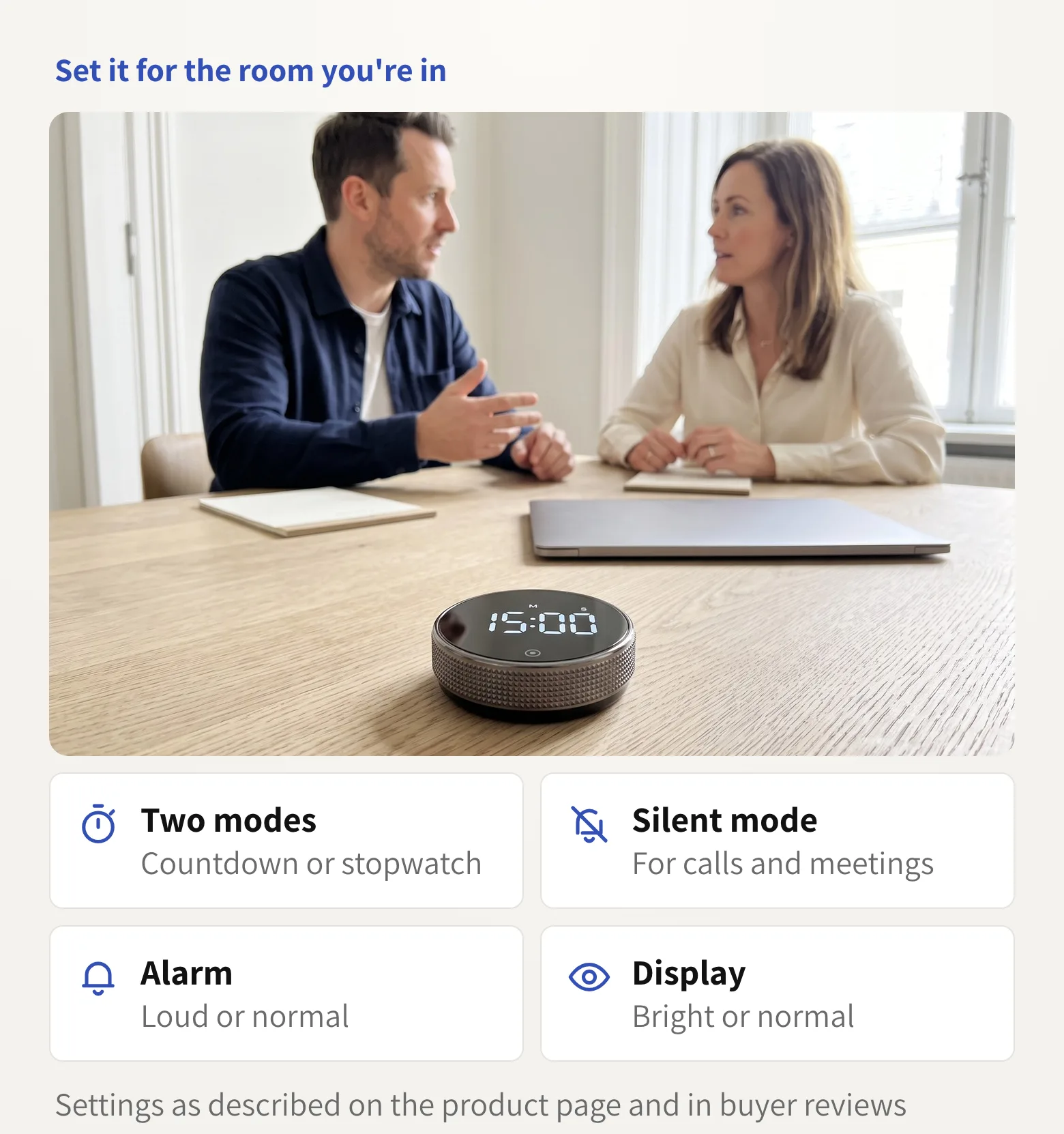
Timing a call or a client session on your phone means glancing at it while someone talks. One buyer, T'weanea C., bought this timer for meetings because a phone timer "looked unprofessional".
Run it silent in meetings, and save the alarm for your own desk.
10Reason 10 of 10
You're done building systems you stop using

The app with the streaks. The color-coded planner. The perfect setup that took a whole weekend to build. You know how those end.
This one has nothing to set up, nothing to sync and nothing to charge. It sits on your desk, and the next time you sit down, it's the first thing you see.
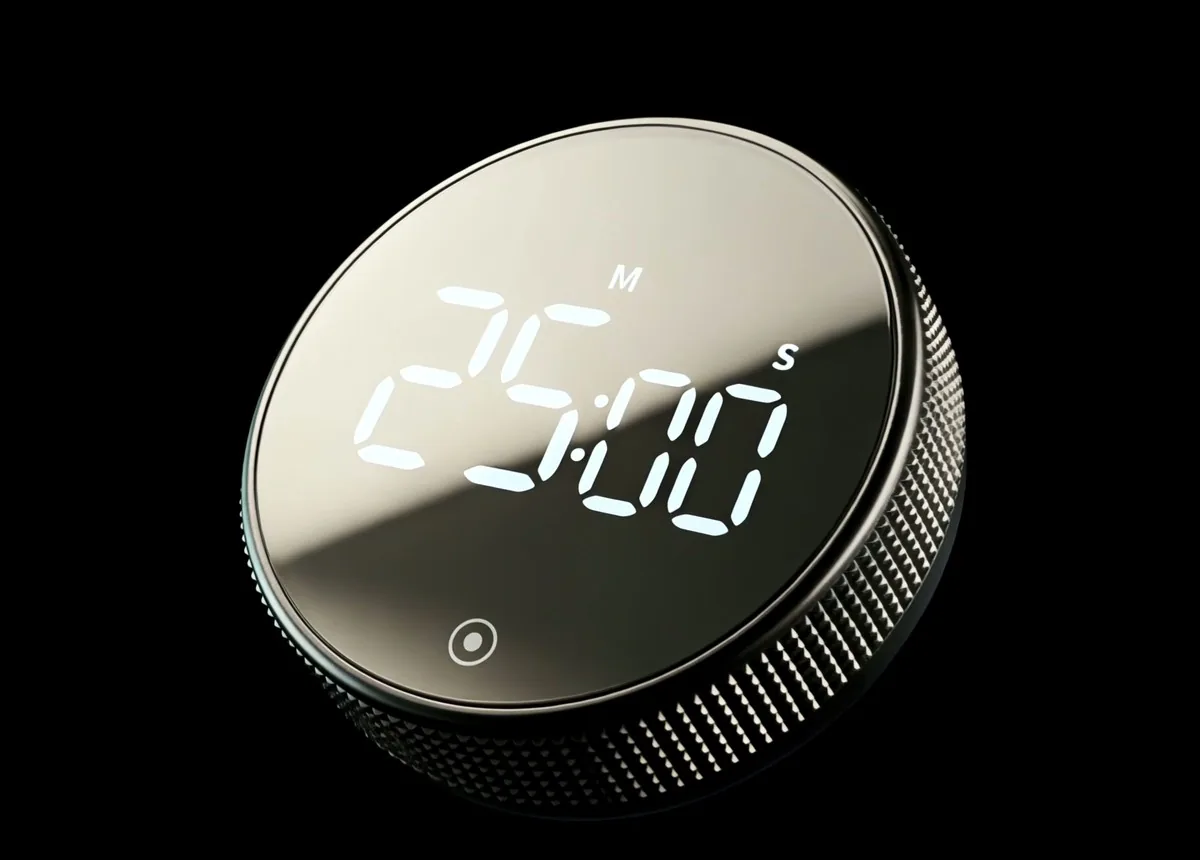
Start the next block with one turn
Put the phone in a drawer. Turn the collar, press once, and work until it rings.
Today it's $44.99 instead of $69.99. Save 20% on two and 30% on three. Duo and Trio ship free.
- Secure checkout
- No app needed
Konah Home makes this timer. It's a timer, not a treatment. Reviews quoted are published on konah-home.com.