36% off the Smart Productivity Timer today

The showdown: phone timer vs desk timer
9 Reasons People Who Time Their Work Are Moving The Timer Off Their Phone
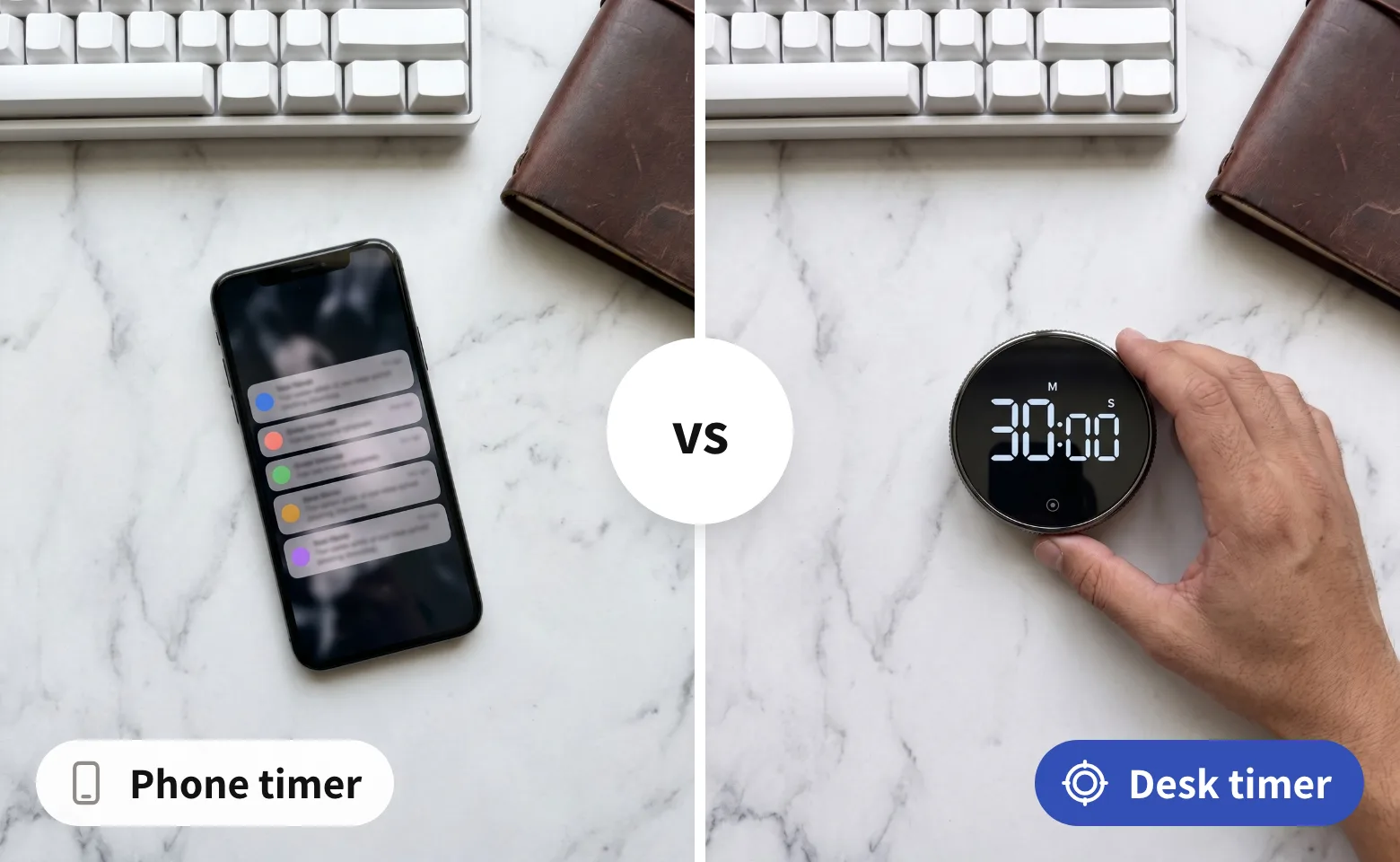
Most people who time their work do it on their phone. It works, mostly: you set 25 minutes, turn the phone face down, and pick it up again at minute four.
Here are 9 rounds between the timer in your pocket and a timer that only times. Where it's a tie, we say so. No lecture, just the rundown.
The verdict, side by side
| What decides the block | Konah timer | Phone timer |
|---|---|---|
| No phone needed to start | ||
| Nothing can ping you mid-block | ||
| Readable from your chair | ||
| Silent countdown if you want one | ||
| Restarts your last block in one press |
Compared by Konah Home. We make the timer, so we called the tie a tie. Tick: yes. Slashed circle: no. Barred circle: partly.
1The edge test
Timing your work beats waiting to feel ready
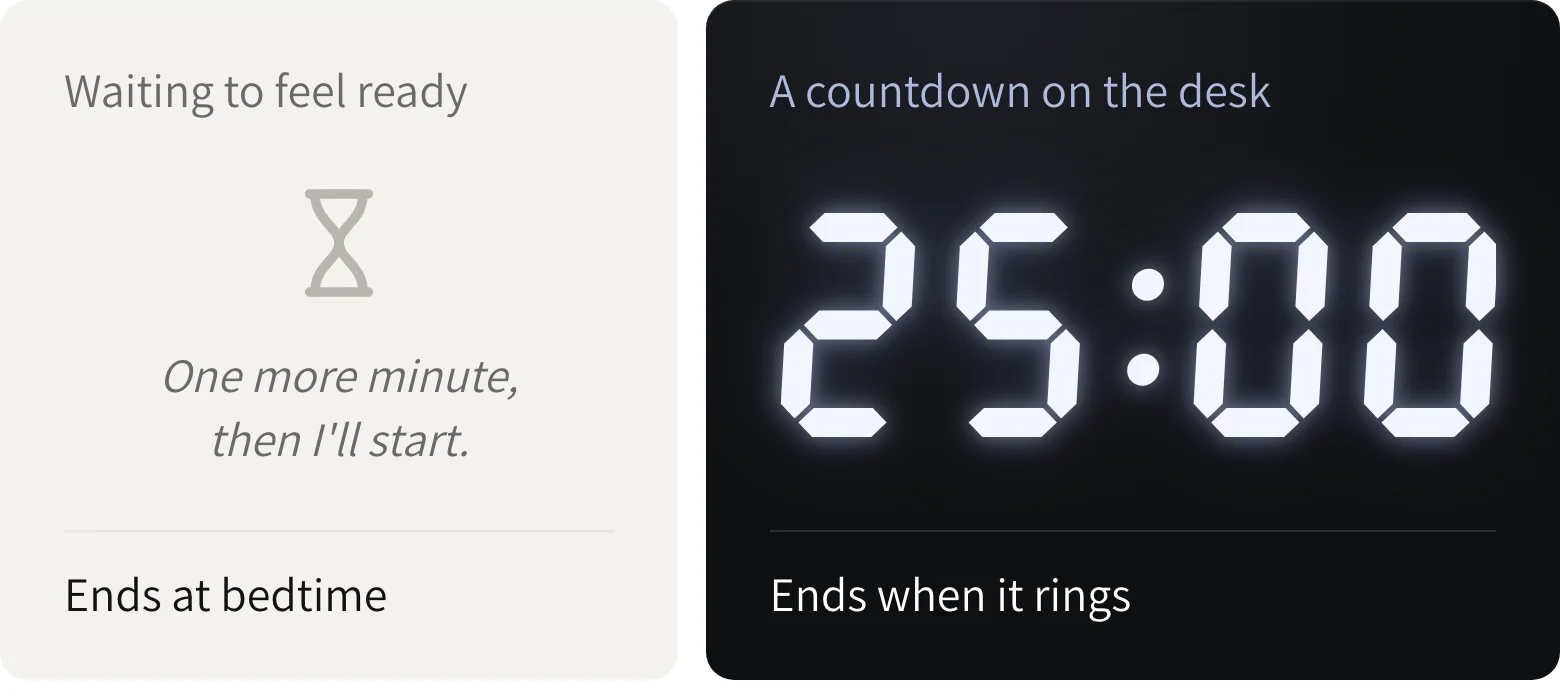
You already know this part. An open afternoon has no edge, so it fills up with one more minute, then I'll start.
A countdown gives the hour an edge. You stop waiting to feel like it and work until it rings. That's why you started timing your work in the first place.
2The pick-up test
A phone timer starts with the phone in your hand
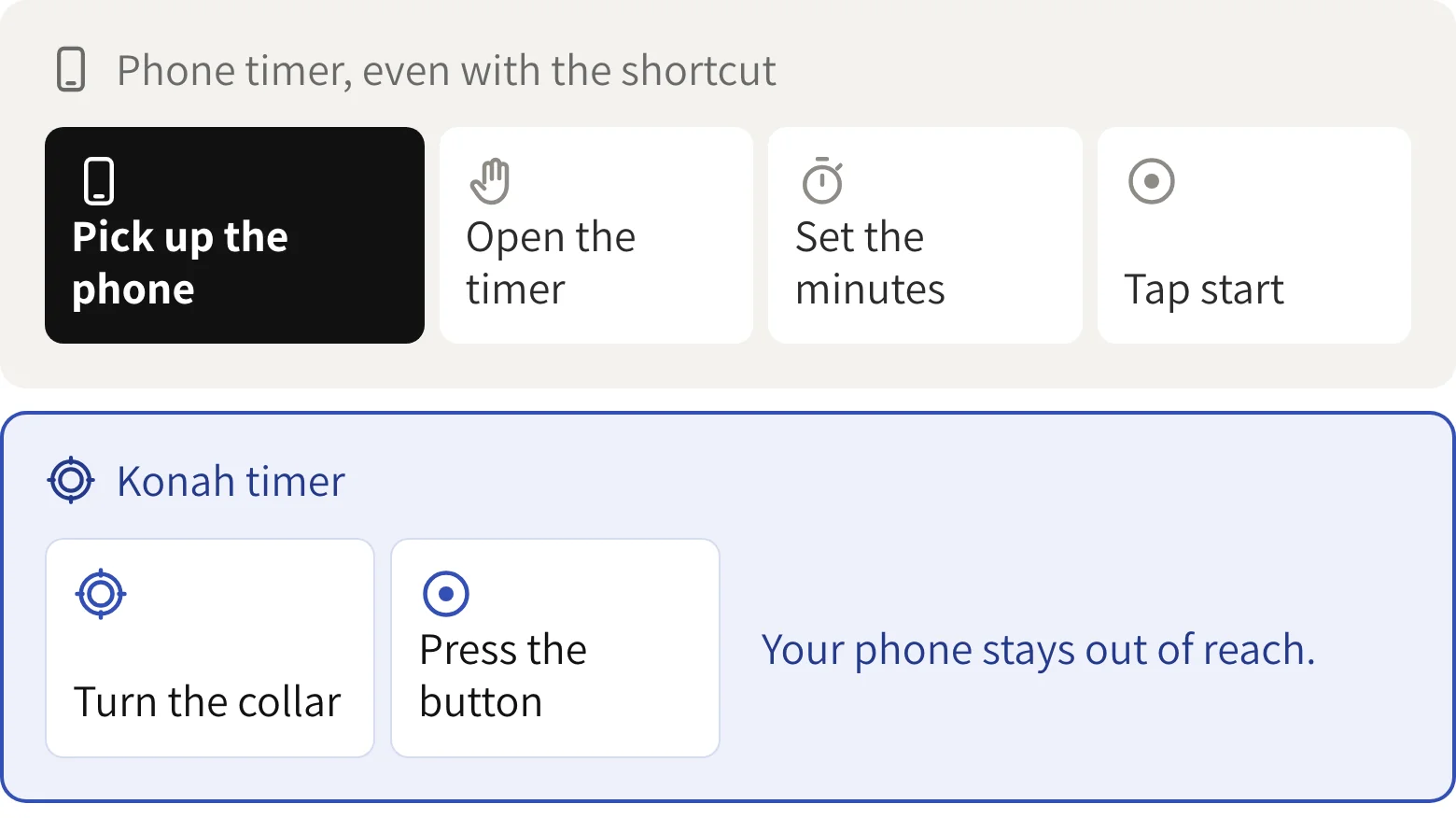
Here's the catch nobody mentions. To start a phone timer, you reach for the phone. A lock-screen shortcut skips the unlock and a voice command skips the taps, but either way the countdown lives on the one device built to keep you looking at it.
The messages wait on the lock screen. The red badges wait one swipe away. By the time the countdown runs, you've been offered everything else. The leak happens before minute one.
3The start test
One turn of the collar is the start
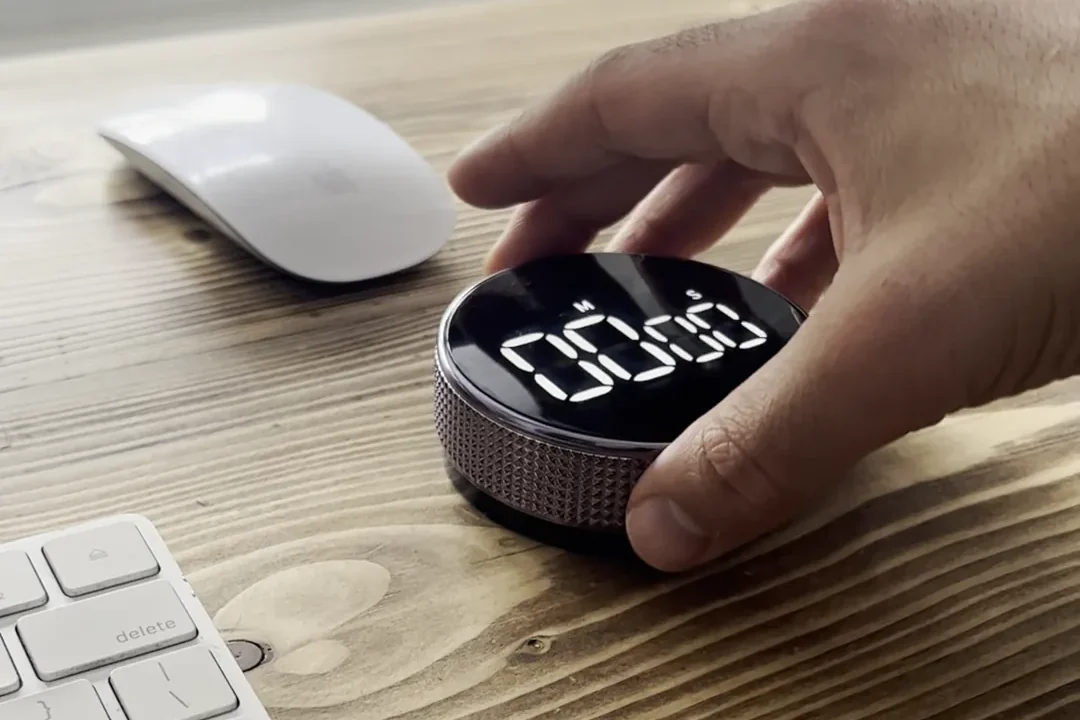
There's no screen to wake and no menu to open. You turn the metal collar to the minutes you want and press the one button on the front.
That small, physical move is the line between about to and doing. It's the same move every time, so it turns into a cue: hand on the dial, work starts now.
No fiddly buttons you need to hold down for ages, this one has a silver band that rotates around the display to set the desired time.
4The glance test
The countdown stays in plain sight
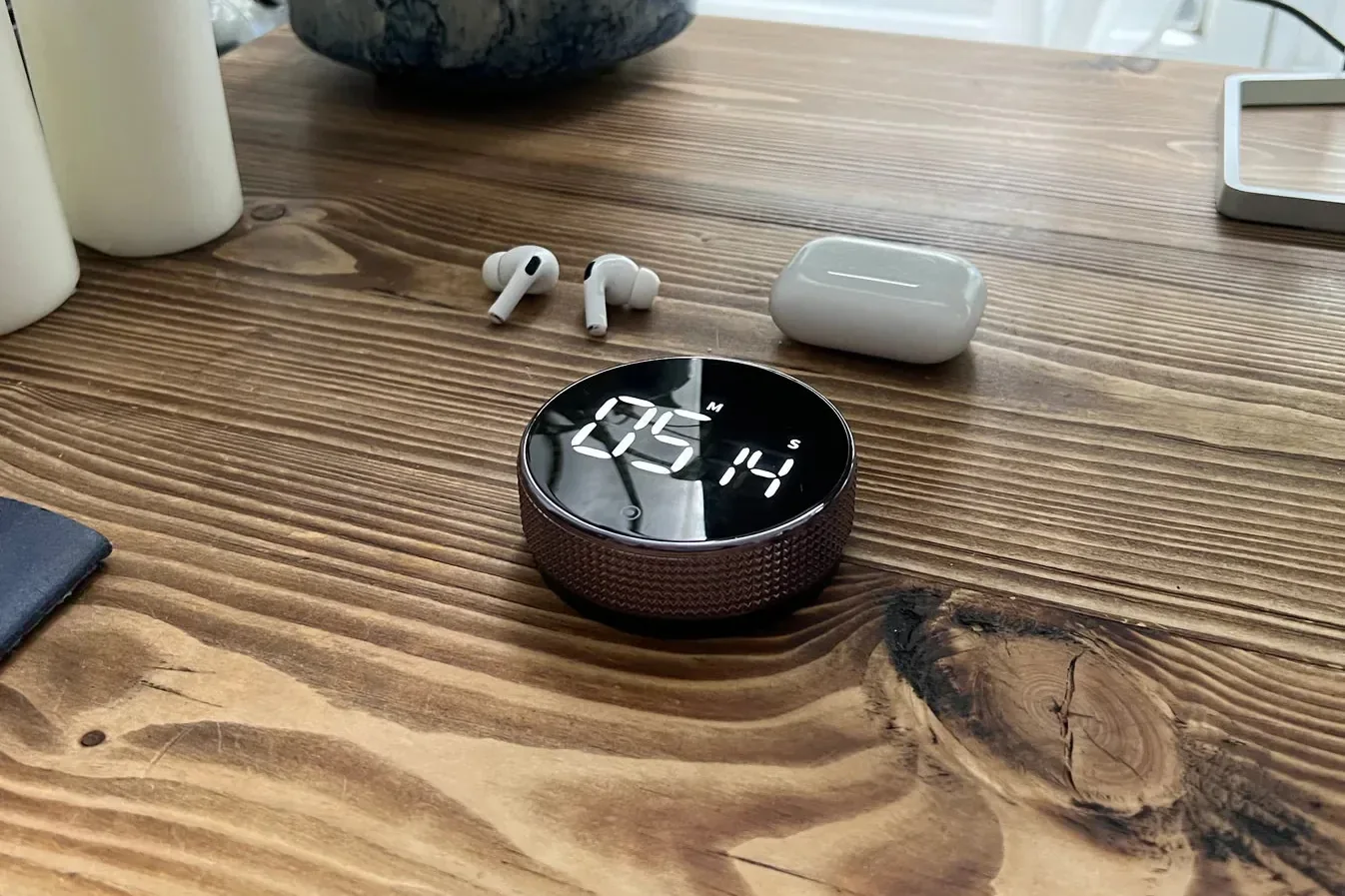
To check a phone timer, you pick up the phone. And a phone in your hand rarely stops at the time.
The Konah timer sits on the desk with bright white digits on black glass you can read from your chair. A glance tells you what's left, and your hands stay on the work.
5The restart test
The second block is one press away
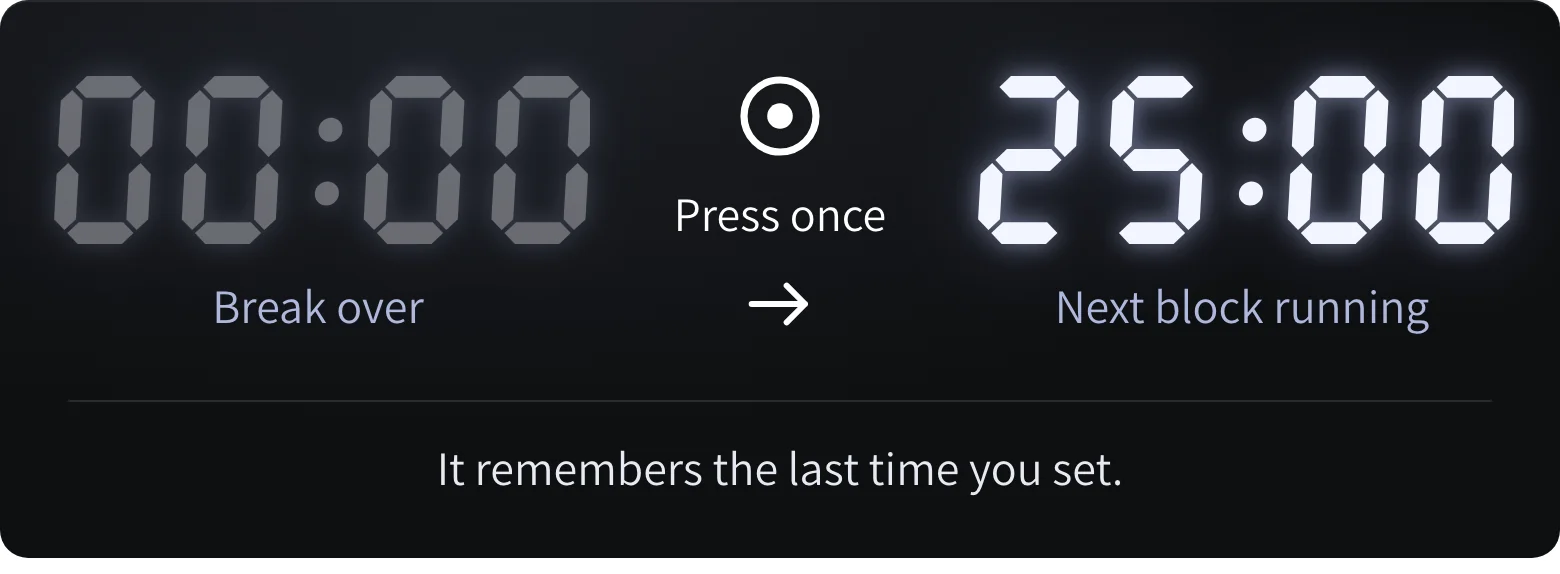
The hardest start of the day is often the second one. The break ends, the phone is already in your hand, and five more minutes turns into forty.
The timer remembers the last time you set. When the break is over, press once and the same block starts again. Nothing to set up from scratch, and no reason to reach for anything else.
Big numbers to see, easy to use, nice sound when timer is done. It remembers the last time set so just tap and go.
6The buyer test
The switchers say it best
We could tell you a desk timer beats an app. It means more coming from people who switched.
These three are published reviews, quoted word for word. The common thread: each of them had a timer before. What changed was the one they reached for.
I was using timer apps before this and this works so much better for timing my work blocks. Being able to feel the wheel rotating keeps you present and it looks great
...I use it everyday and love having a physical timer instead of using apps
Having used this timer for a few days now I've found it super easy to use and far better than the more traditional digital button type timer I've used in the past.
7The empty-inside test
Nothing else lives inside it
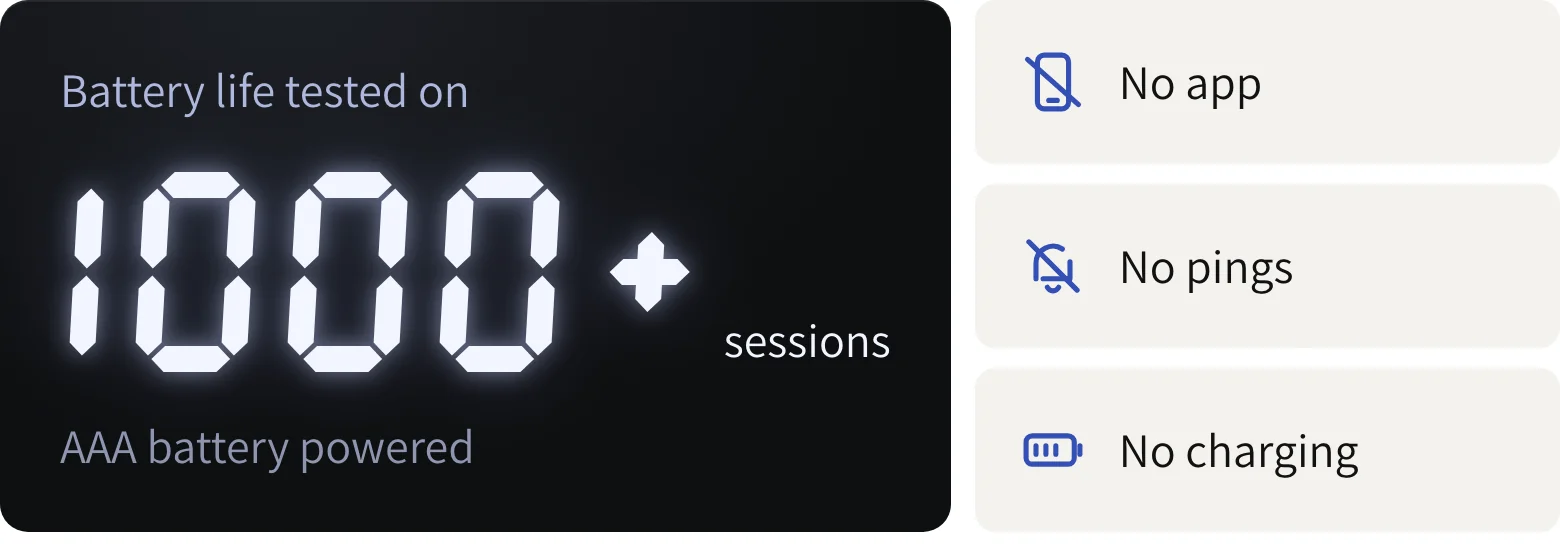
Phones and focus apps come with everything else attached: accounts, updates, notifications, a battery to keep alive.
This has none of that. It's a timer and only a timer, AAA battery powered, with battery life tested on over 1,000 sessions. There's nothing to log into and nothing that can message you halfway through a block.
8The stress test
A countdown that doesn't nag
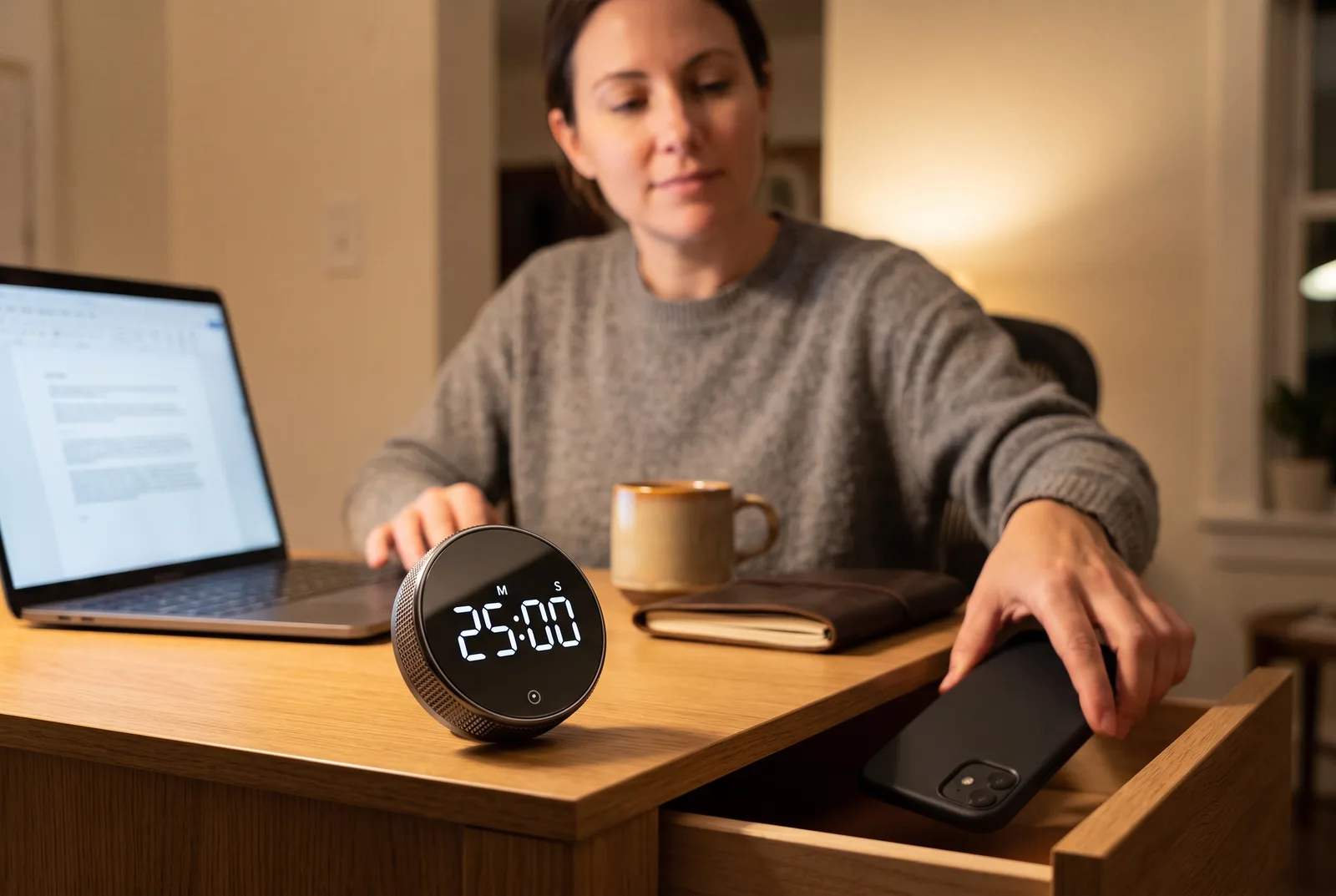
Some people quit timed blocks because of the timer itself: the shrill alarm, the countdown that feels like a deadline. Another timer, another thing chasing me.
So you choose how it behaves. There's a silent countdown mode, an alarm you can set to loud or normal, and a display that dims while it counts. Shared office? Leave it silent.
9The feel test
You'll want to reach for it
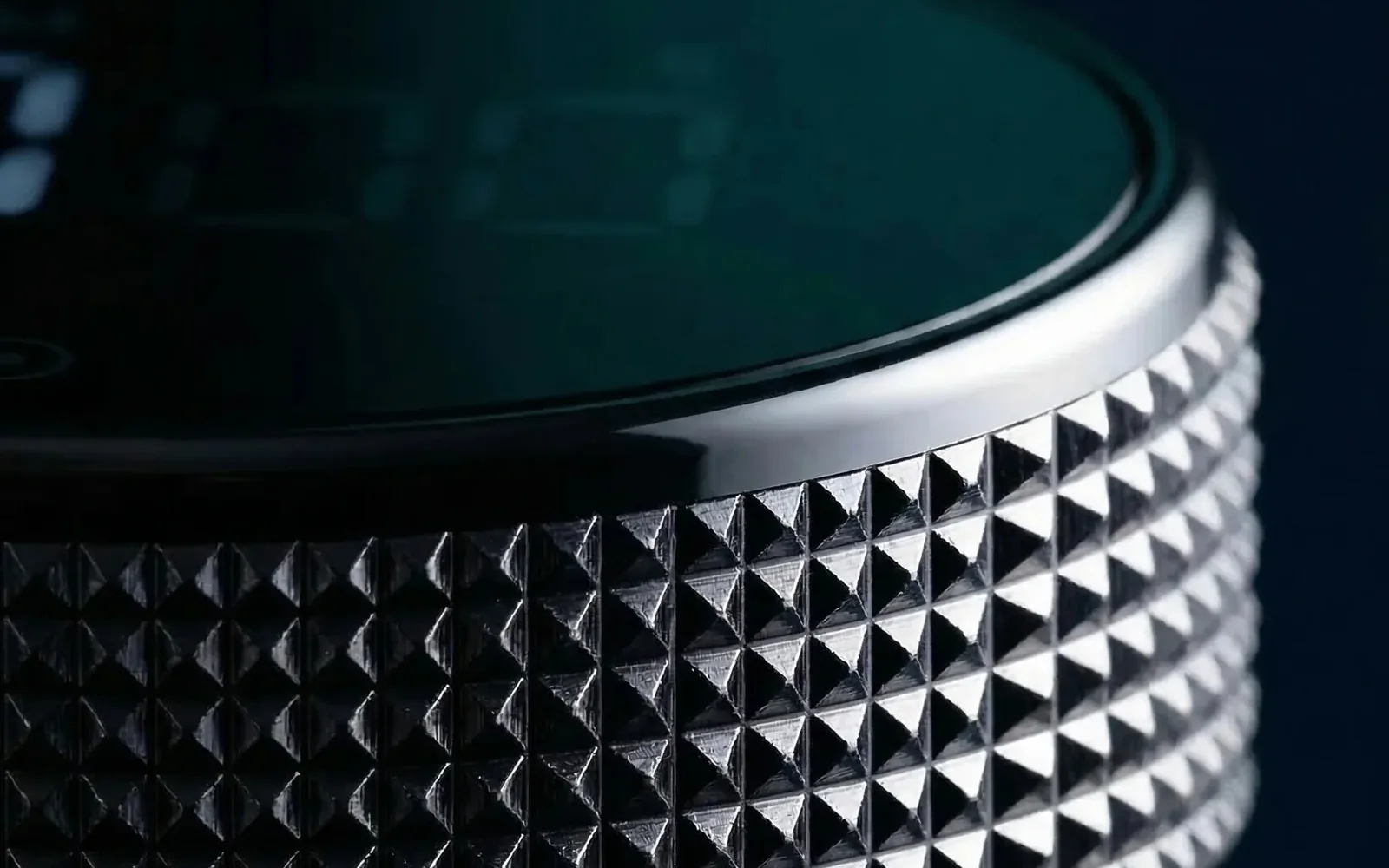
The collar is knurled metal with a fine pyramid grip, and it turns with a smooth ratchet. Go too far and you just dial it back.
It sounds like a small thing. But this object has one job: to be what you reach for instead of your phone. A tool you like touching gets used.
Makes you feel like a safe cracker when setting - great item with no obvious downside (so far).
Four ways to time a work block
| What matters mid-block | Konah timer | Phone timer | Focus app | Button timer |
|---|---|---|---|---|
| Starts phone-free | ||||
| Nothing can ping you | ||||
| Set with one turn | ||||
| Readable at a glance | ||||
| Remembers your last time | Varies | |||
| Silent countdown | Varies | |||
| Nothing to charge | ||||
| Sticks to a whiteboard | Varies |
Categories, not brands. Compared by Konah Home, the maker of the timer. Tick: yes. Slashed circle: no. Barred circle: partly.
$44.99 today, usually $69.99
Our pick
Yes, we make it
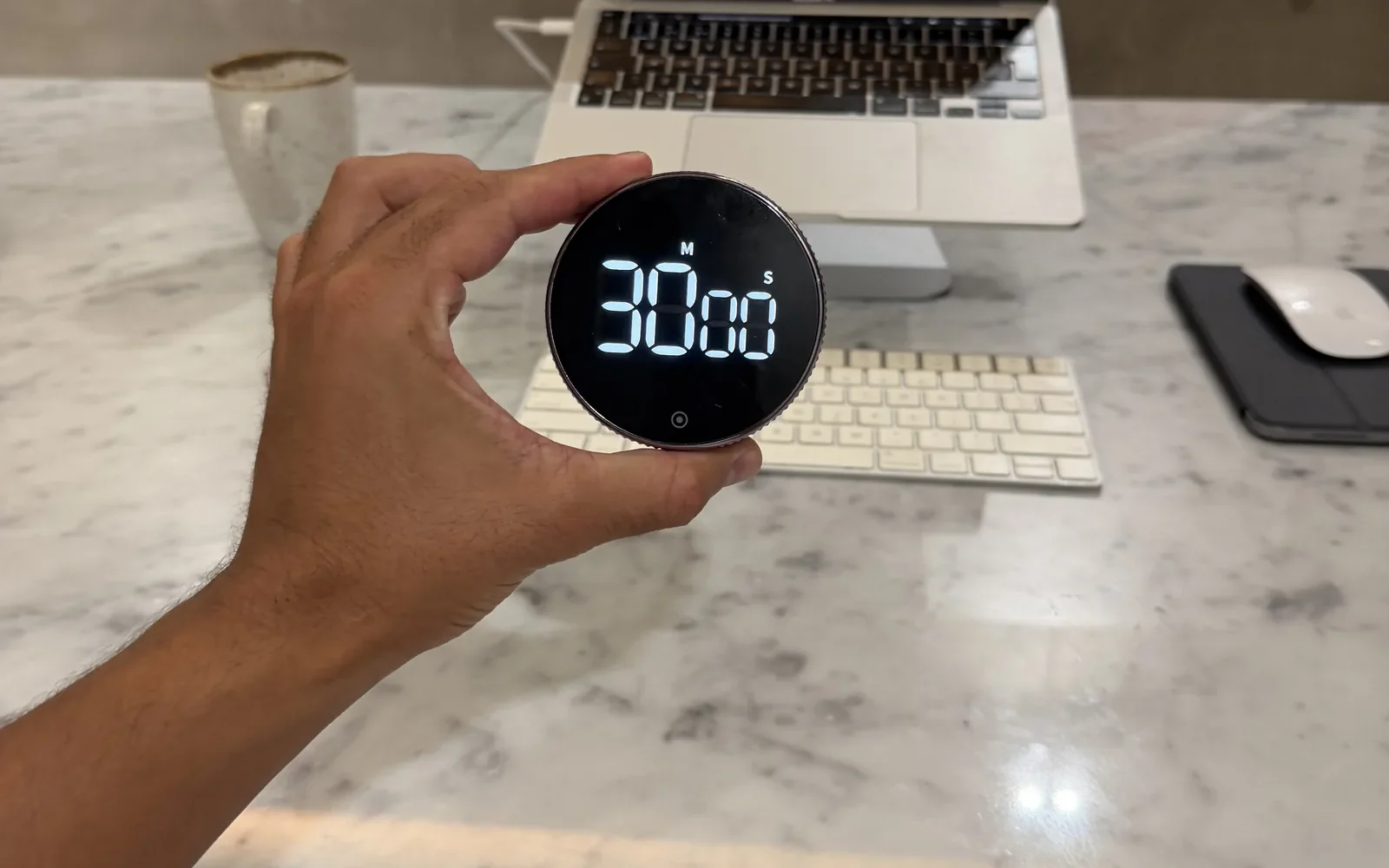
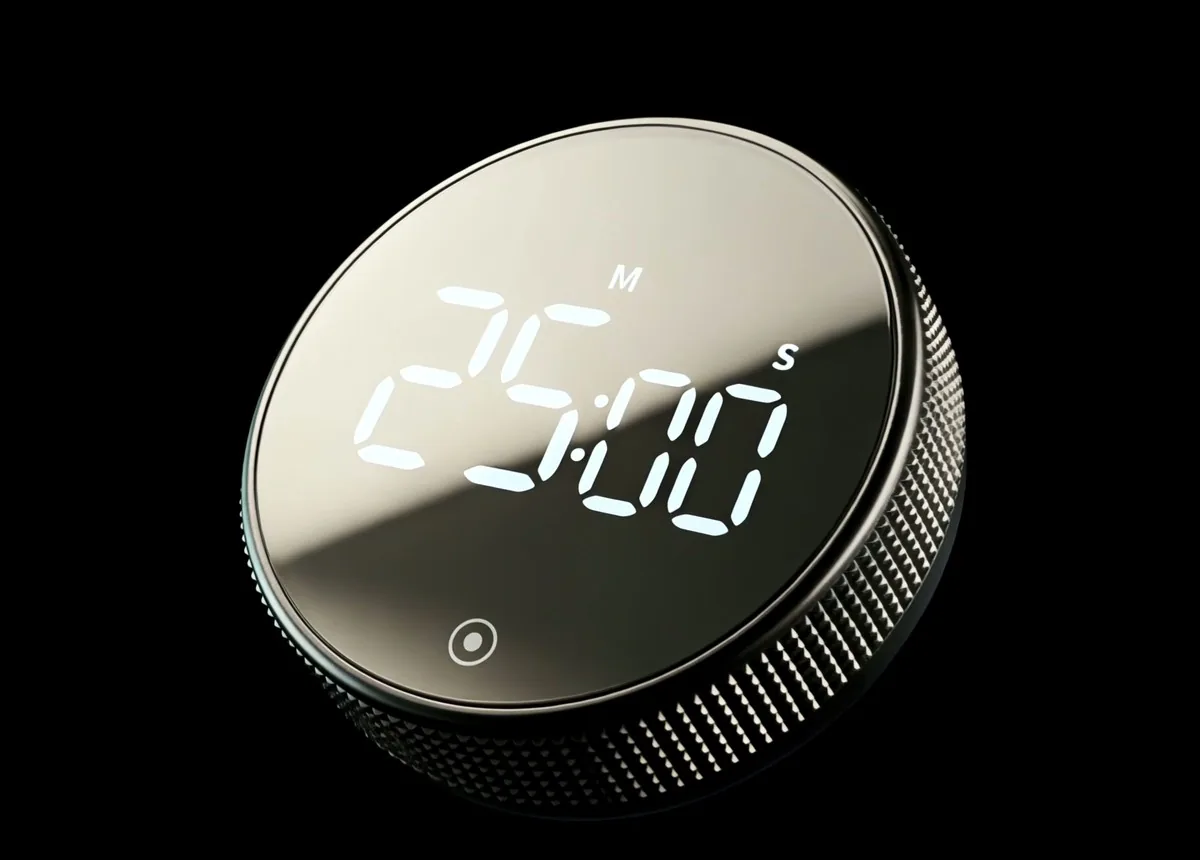
A round, magnetic desk timer with a black glass face and white digits. You set it by turning the knurled metal collar, and one button starts it.
We make it, so we left the ties in the table. Judge the rest for yourself.
What each part actually does
- The collar: turn it to set the minutes, up or down, with a smooth ratchet.
- The front button: one press to switch it on or off, hold to clear back to zero.
- Two modes: a countdown, or a stopwatch that counts up from zero.
- The back buttons: display bright or normal, alarm loud or normal.
- Silent countdown mode: for shared rooms and late nights.
- The magnetic back: sticks to a whiteboard or the fridge, with soft pads so it won't mark it.
- Power: AAA battery powered, with battery life tested on over 1,000 sessions. It switches itself off when idle.
$44.99 today, usually $69.99. Save 20% on two, 30% on three. Duo and Trio ship free.
The honest pros and cons
Pros
- Set with one turn, no phone needed
- Readable from your chair
- Silent mode, or an alarm set loud or normal
- Remembers your last time for the next block
Cons
- It doesn't tell the time: it's a timer, not a clock
- Takes AAA batteries you'll replace one day
- Free shipping starts at two timers, not one
What buyers say in their own words
4.9 out of 5 from 26 reviews on konah-home.com
As sad as this may sound, this is probably one of my favourite recent purchases. Its a great size timer with a large display. I really love the dial function as its a lot easier and quicker than pressing buttons. The black looks sleek and modern and thanks to the magnetic backing the timer can be easily attached to a white board. Happy with my find!
My procrastination got very bad and I would hate myself for it. This timer is genuinely the only thing that helps me stay focused and be accountable for the things I need to do.
I actually love this little timer, it is a tiny little blessing in my life. Use it literally all the time, and it is a pleasure to use. ... Not normally this enthusiastic about a product but this has really hit the spot and become integral to my everyday life.
Save 36% today
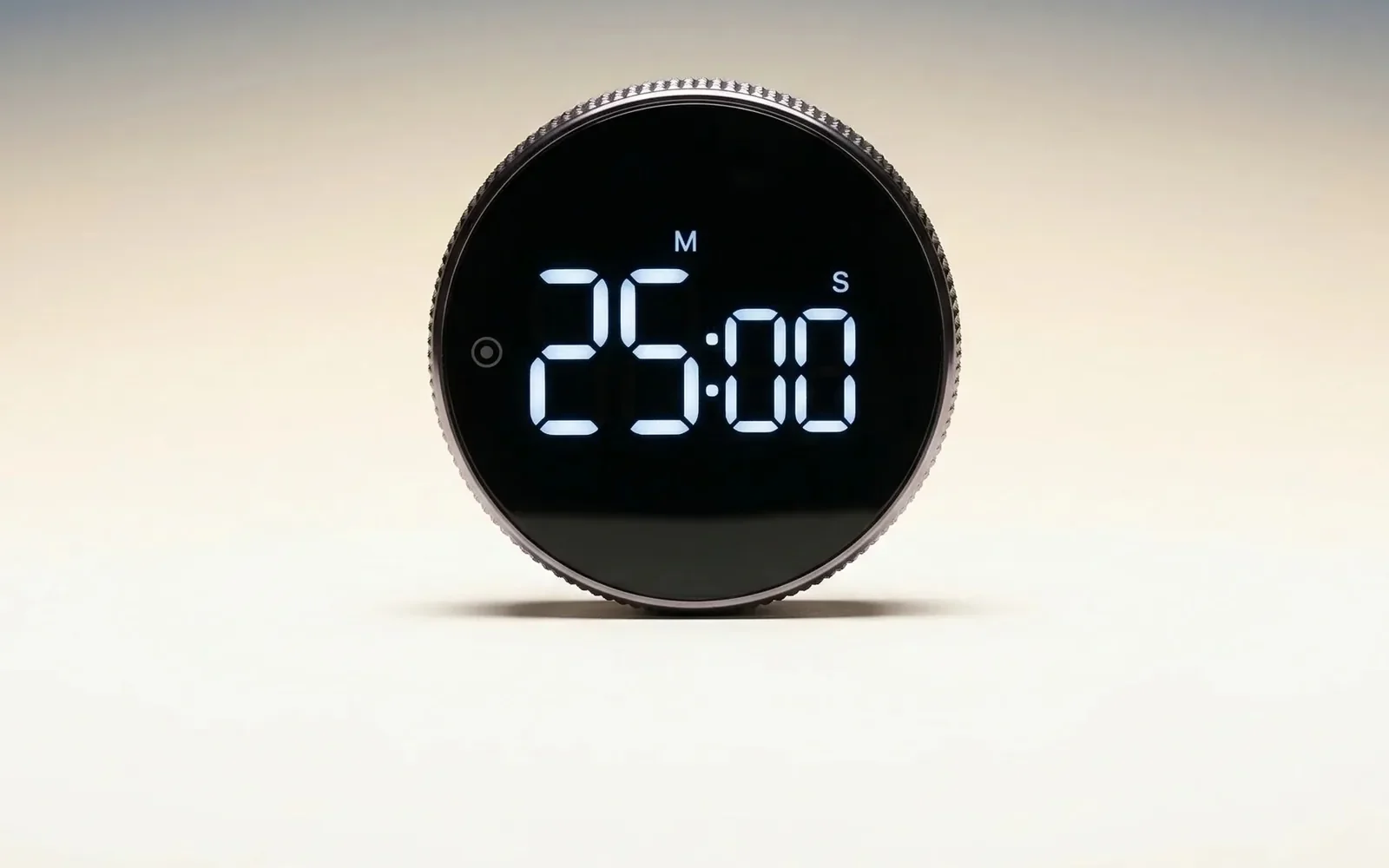
The Smart Productivity Timer
Ready to make the switch?
$44.99Was $69.99
- Turn the collar to set, press once to start
- Countdown or stopwatch, with a silent mode
- Magnetic back, AAA battery powered, no app
- 7.5 cm across, 2.75 cm deep
Save 20% on two, 30% on three. Duo and Trio ship free.
Questions, answered
How is it different from the timer on my phone?
It does one job. You never pick up your phone to start it or to check it, so messages and feeds stay out of sight, and nothing can ping you while it counts.
How do I set it?
Turn the outer collar to the minutes you want. It turns up or down, and you can dial back if you go too far. Then press the button on the front. Hold the button to clear it back to zero.
Is the alarm loud? I share a room.
You choose. There's a silent countdown mode, and a button on the back sets the alarm to loud or normal. Another sets the display to bright or normal.
What powers it?
AAA batteries. Battery life was tested on over 1,000 sessions, and the timer switches itself off when it's not in use. There's no cable and nothing to charge.
Does it show the time of day?
No. It's a countdown timer and a stopwatch, not a clock. It does one job.
Will it stick to a whiteboard?
Yes. The back is magnetic, with soft pads so it won't mark the surface. It sits just as well on a desk.
How long does delivery take?
Orders ship from warehouses in Europe and the USA. Estimated delivery is 7-9 business days to the US, Canada and Europe, and 12-14 to Australia and New Zealand. Duo and Trio orders ship free.
Move the timer off your phone
You already time your work. Keep doing it, on something that can't hand you everything else.
Today it's $44.99 instead of $69.99. Save 20% on two and 30% on three.
- Secure checkout
- Ships worldwide
- No app
Konah Home makes this timer. It's a timer, not a treatment. Reviews quoted are published on konah-home.com.