Save 20% on two and 30% on three, shipped free

6 Ways A Dial On Your Desk Gets You To Start
And how each part of this timer takes one excuse away when you know what to do and still can't start.

1The collar
The Collar Turns Starting Into One Small Move
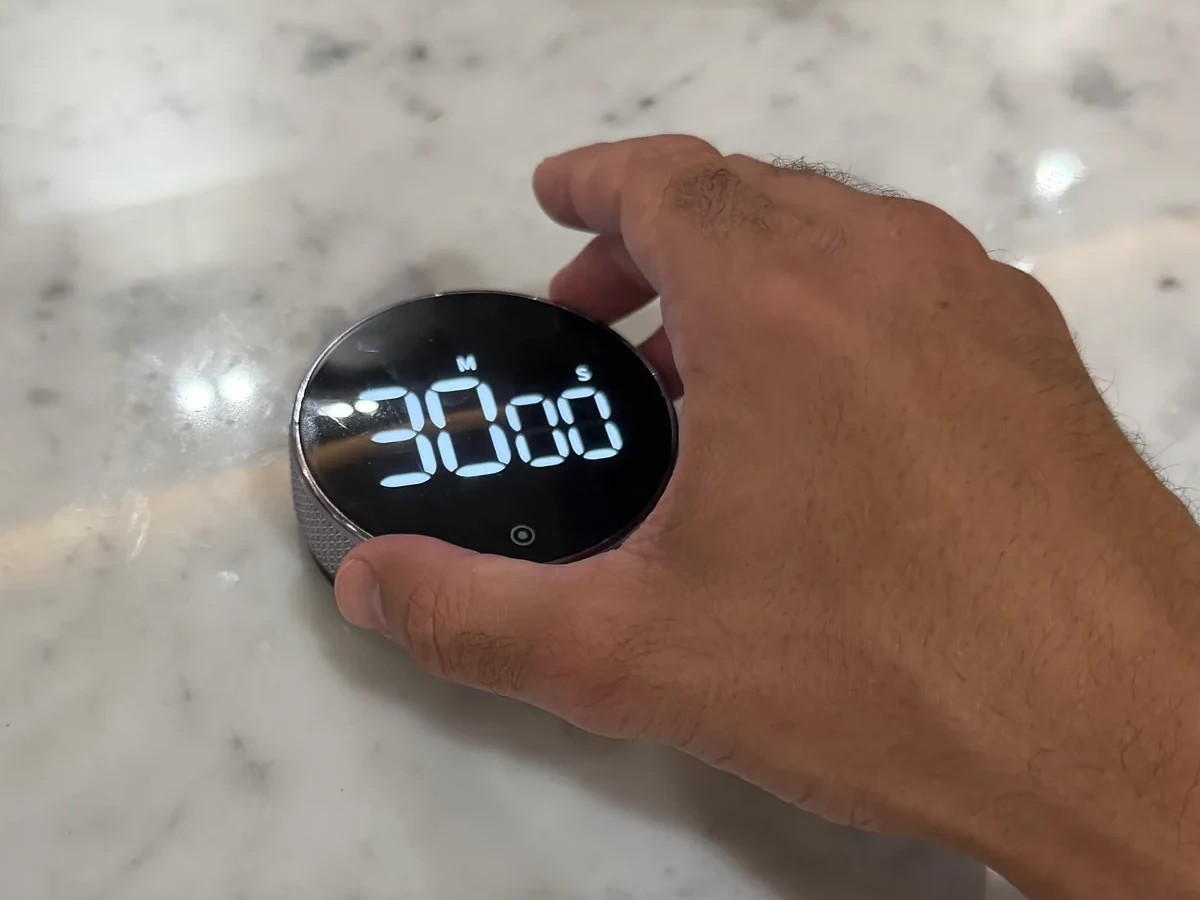
You know the task. The tab is already open. And still: one more minute and then I'll start.
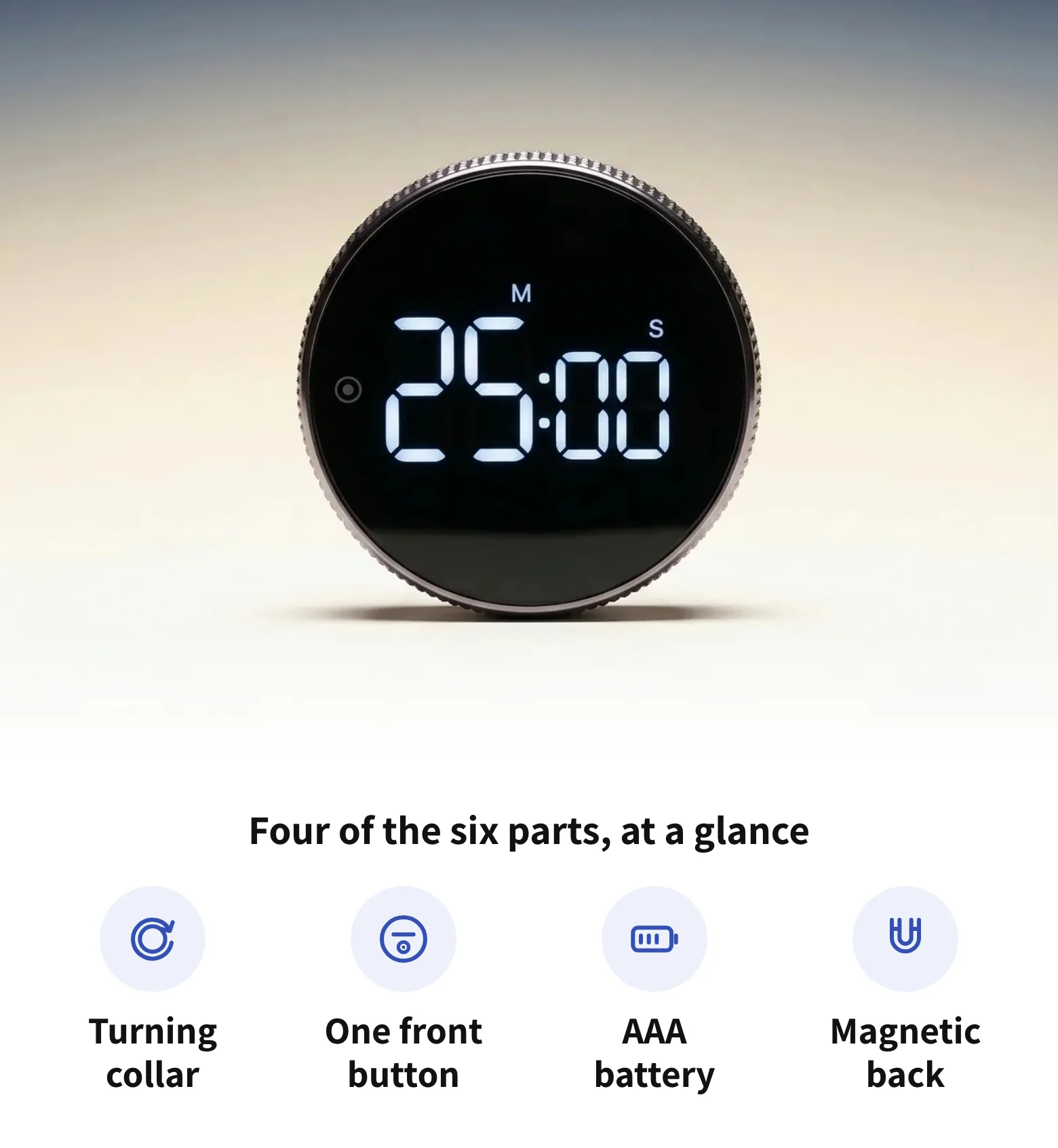
The ridged metal collar around the face sets the time. Turn it to add minutes, and back if you go too far. One turn is the whole decision. Tina Y. says setting it makes you “feel like a safe cracker.”
2One button
One Button Means There's Nothing To Set Up
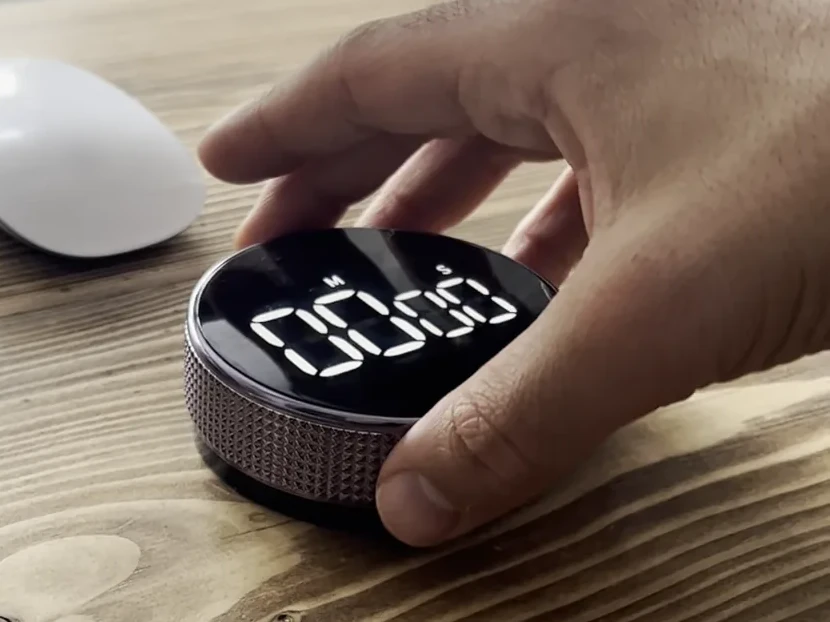
Most systems fail before the work even starts. The app wants a login, the planner wants a layout, and the perfect setup becomes the job.
The timer has one button on the front: press it on, hold it to clear back to zero. It remembers the last time you set, so tomorrow it's tap and go, as Joshua T. put it.
3The display
The Big White Digits Keep The Deadline In Plain Sight
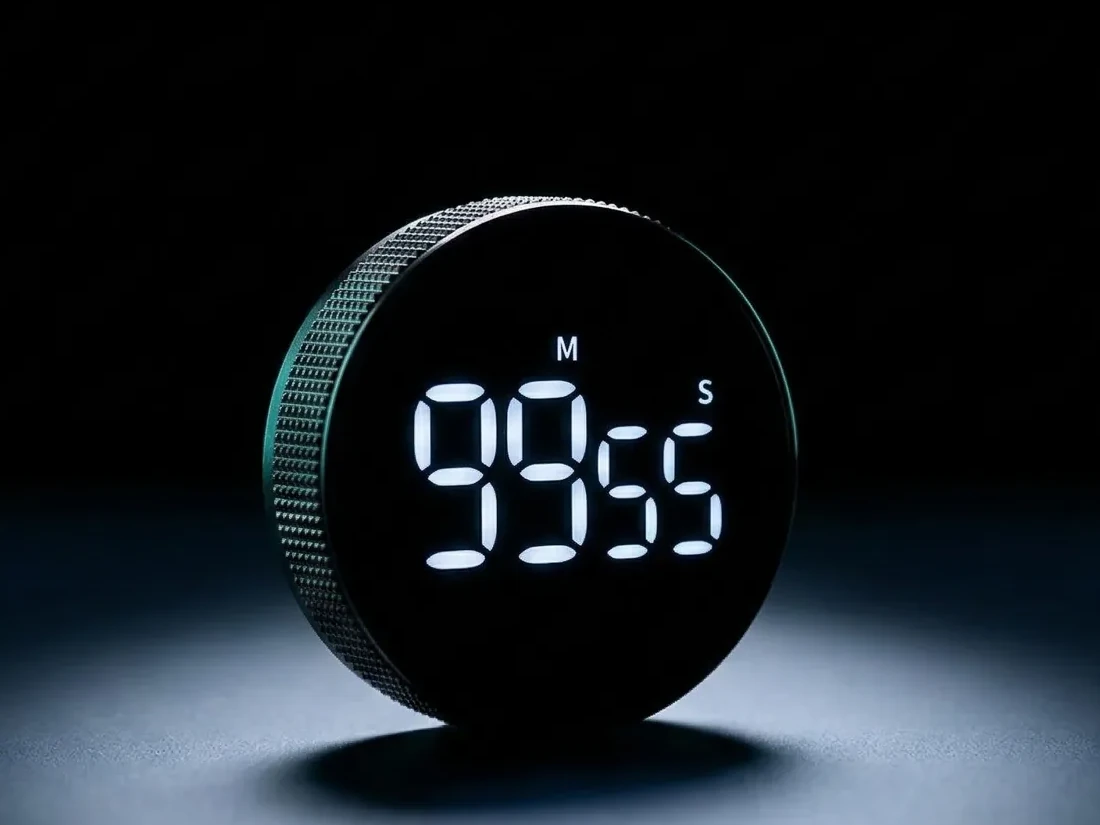
When nothing shows the time passing, the deadline feels far away. Due tomorrow quietly becomes do tomorrow.
The white-on-black display is big enough to read at a glance, and it counts down in front of you while you work. The minutes you're spending stay in sight, not hidden in a tab.
4Silent mode
A Silent Countdown Means Nothing Ticks While You Work
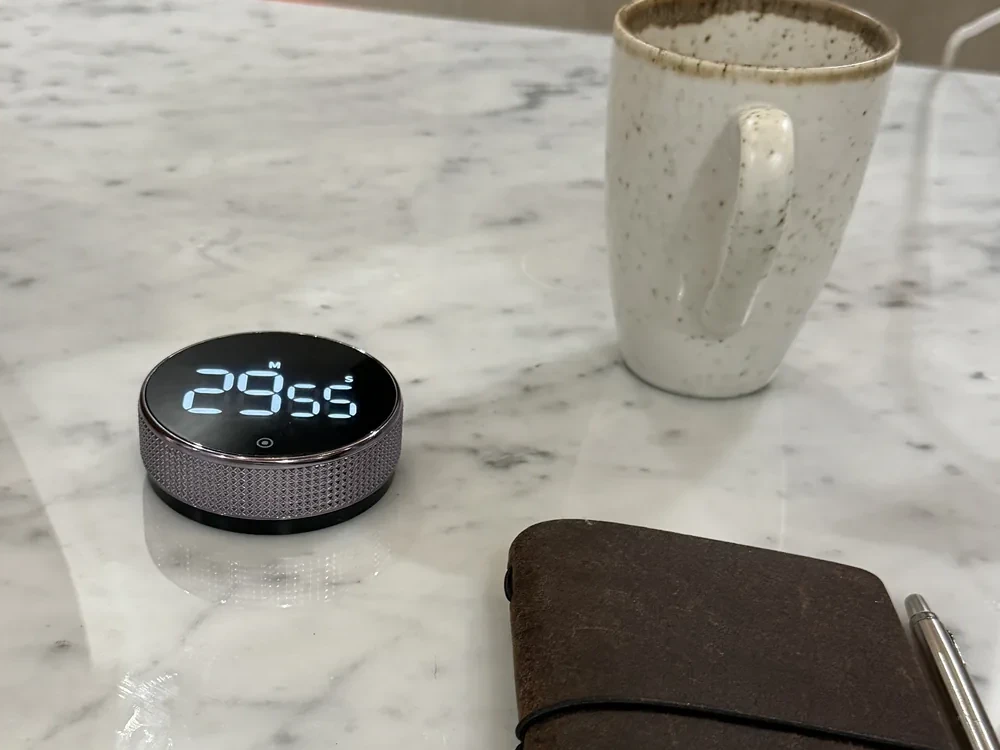
Maybe timers have made you tense before, counting away like something is about to go off.
In silent countdown mode, nothing ticks at you while you work. You pick the length, and the alarm can be loud or normal.
5The battery
Its Own AAA Battery Means Your Phone Can Stay In A Drawer
A phone timer means picking up the phone. You unlock it to start the countdown, see one message, and forty minutes are gone.
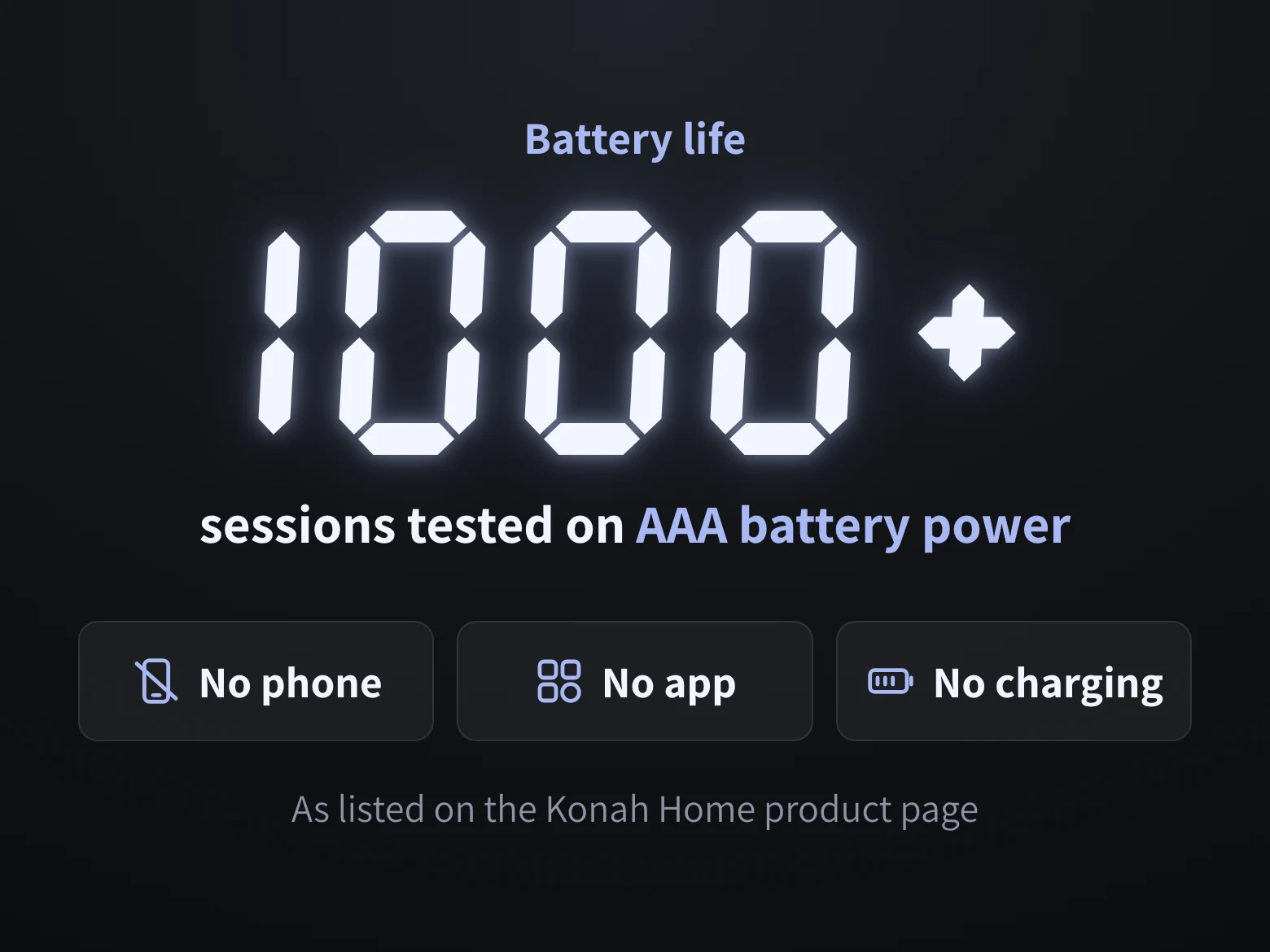
It runs on its own AAA battery, tested on 1,000+ sessions, with no login and no cable. Nothing on your desk needs your phone, so it can stay in the drawer.
6The magnetic back
The Magnetic Back Puts It Wherever The Next Task Is
Work isn't the only thing that waits for later. There's the workout, the tidy-up, the book by the bed.
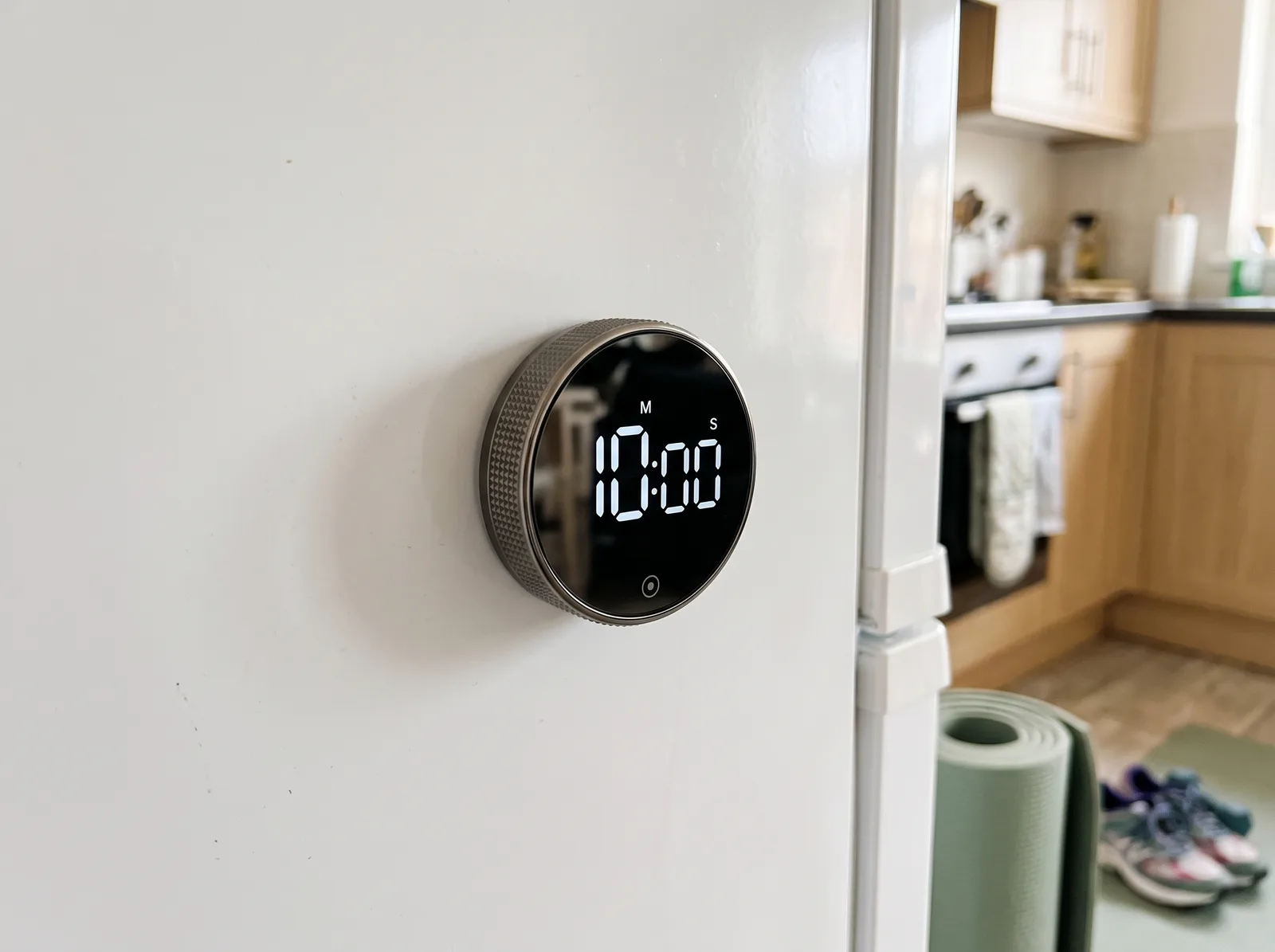
The back is magnetic, with soft pads so it won't mark the surface. Extra adhesive pads cover the places a magnet won't. Stick it on a whiteboard or the fridge, and the next start is one turn away.
Save 20% on two, 30% on three
Save 36% On The Smart Productivity Timer
$44.99Was $69.99
- Duo and Trio ship free
- Countdown or stopwatch mode
- Palm-sized: 7.5 cm across, 2.75 cm deep
Konah Home makes this timer. It's a timer, not a treatment. Reviews quoted are published on our store.
- Secure checkout
- Ships to 200+ countries
- From EU and US warehouses